Displaying Images
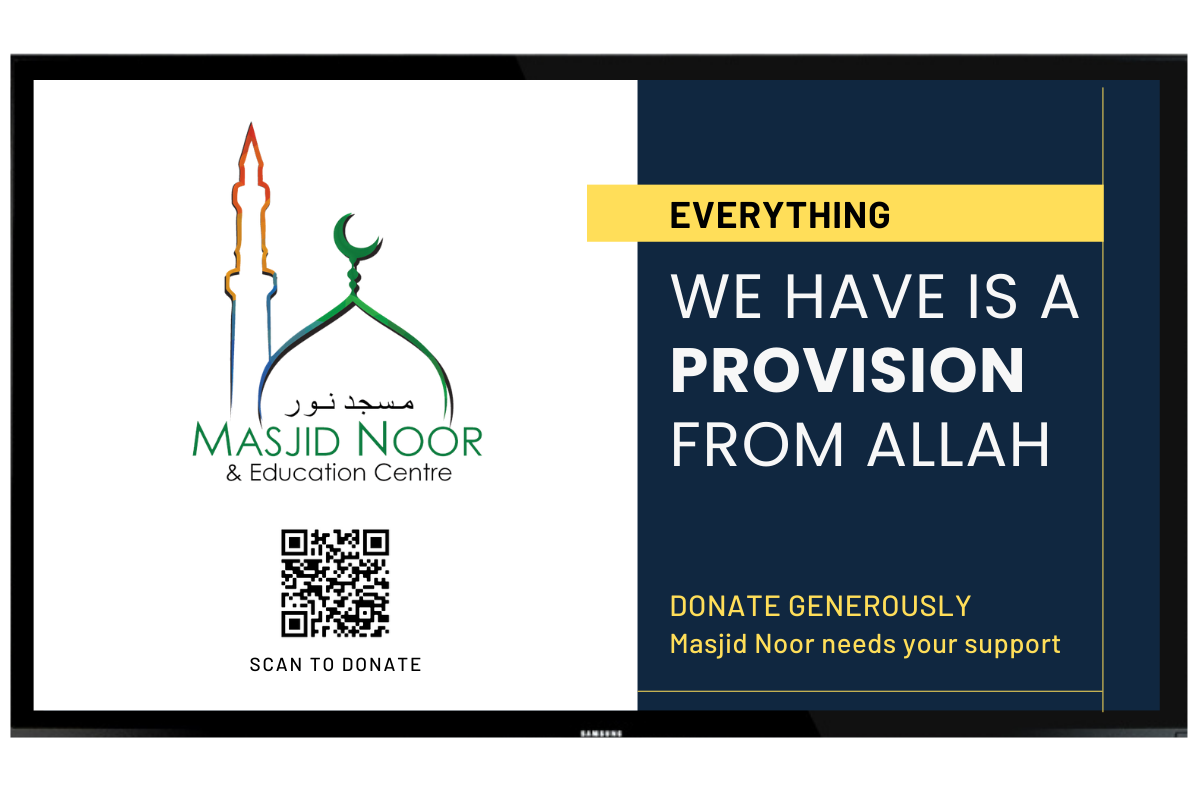
Display your image content on your screen. Images can be JPG, PNG or JPEG format. The dimension for best fit should be 1980px by 1080px.
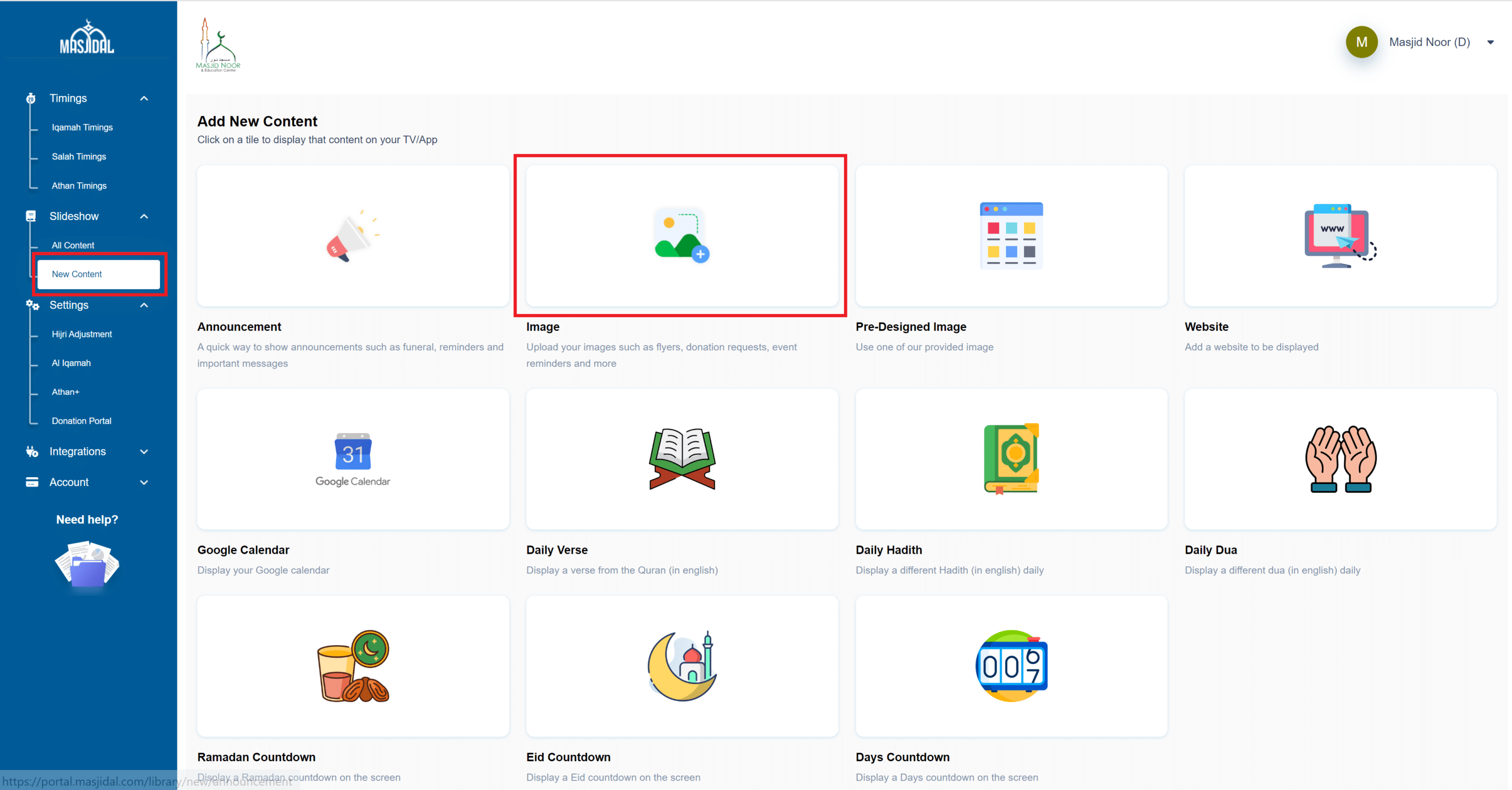
Login to your Masjidal account. After login in, click on the New Content link on the left navigation bar and then click on the Image tile.
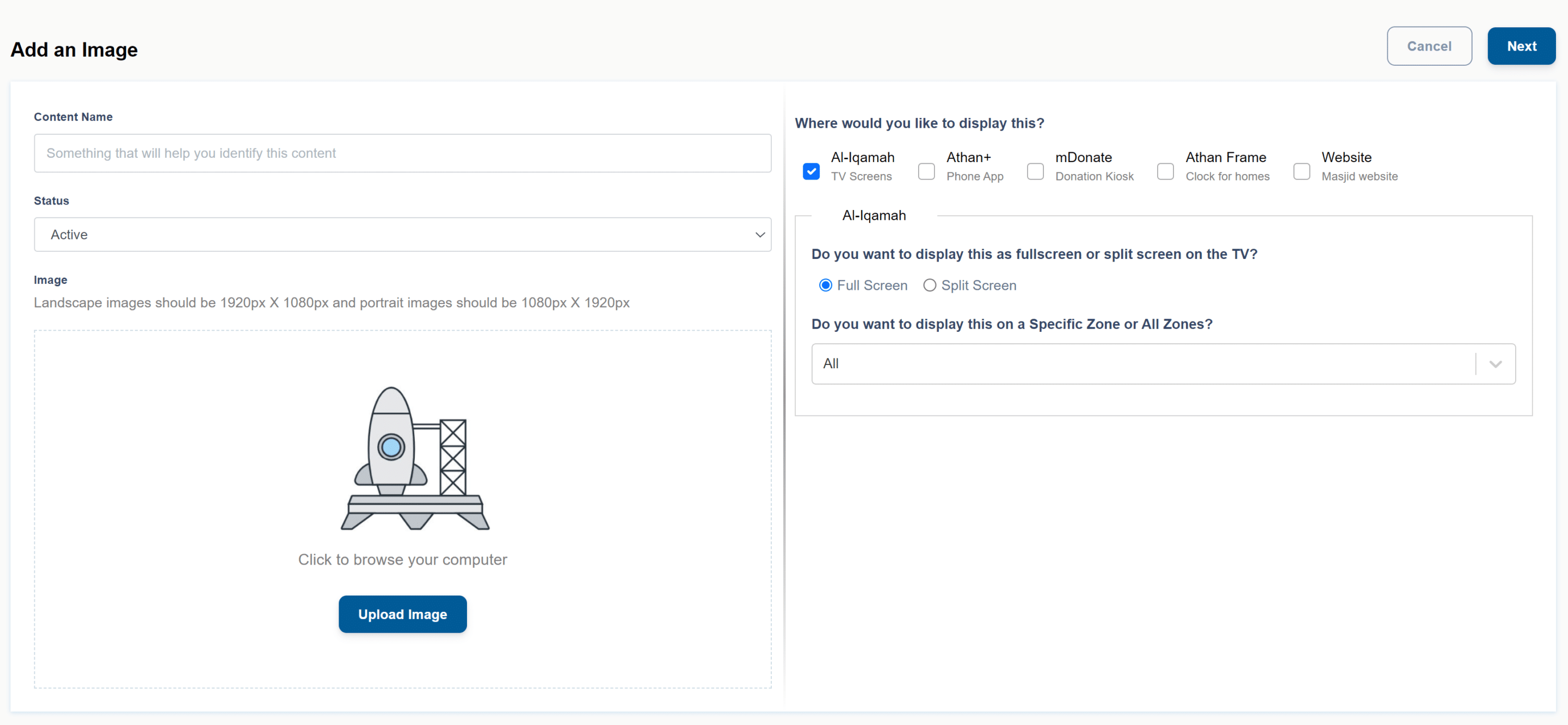
Give it a name, click on upload button to upload the image and then fill in the fields as needed to schedule it correctly. Zone can also be selected to display this on specific screens only. To display the image in split screen, select the Split Screen option (subscription needed). For more information about scheduling, click here.
Then click save and that’s it, your image will be displayed daily based on these settings.
*Subscription needed to enable this feature. Start your 15-day free trial now.
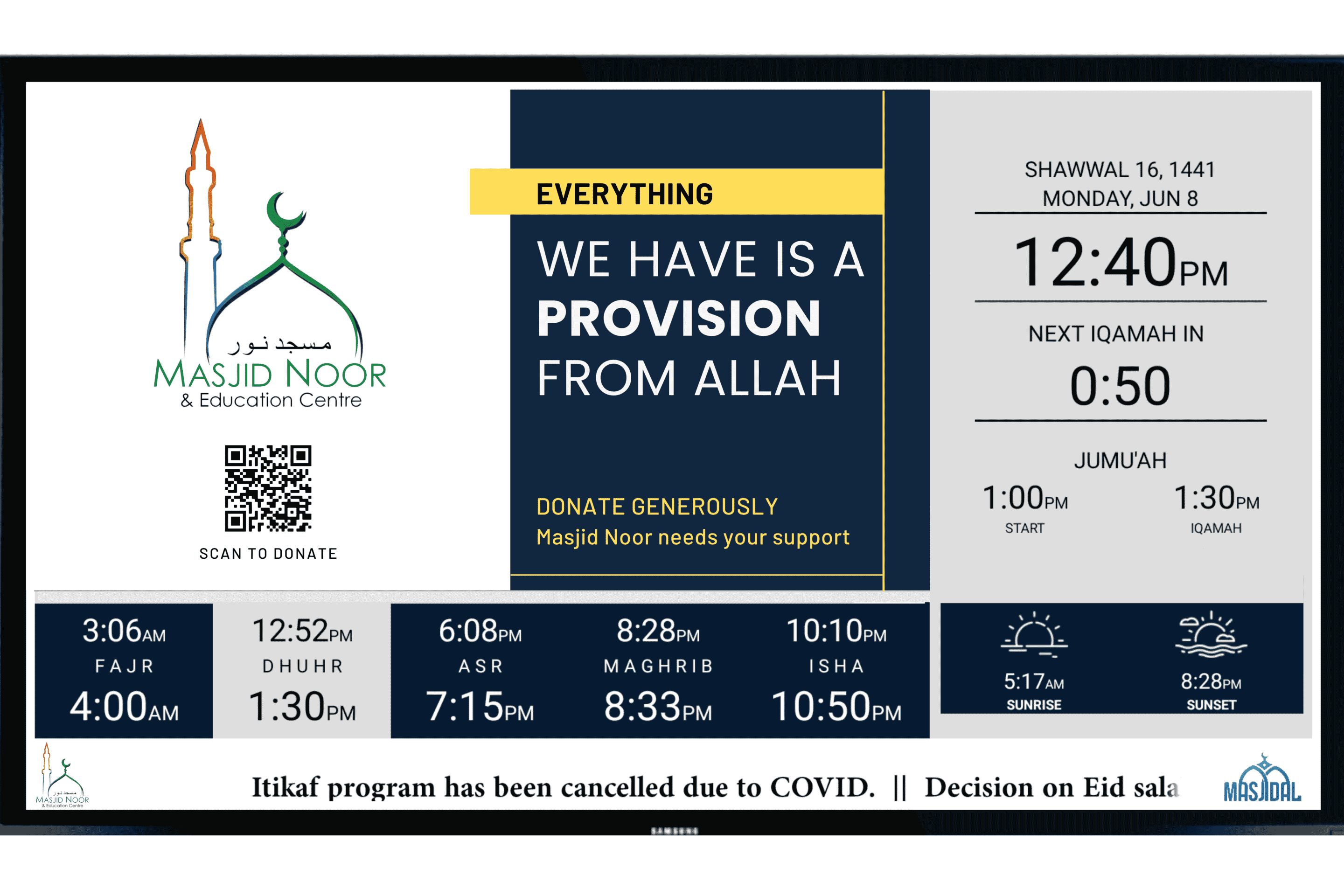
Split Screen displays your image with the prayer timings.