
Daily Verse
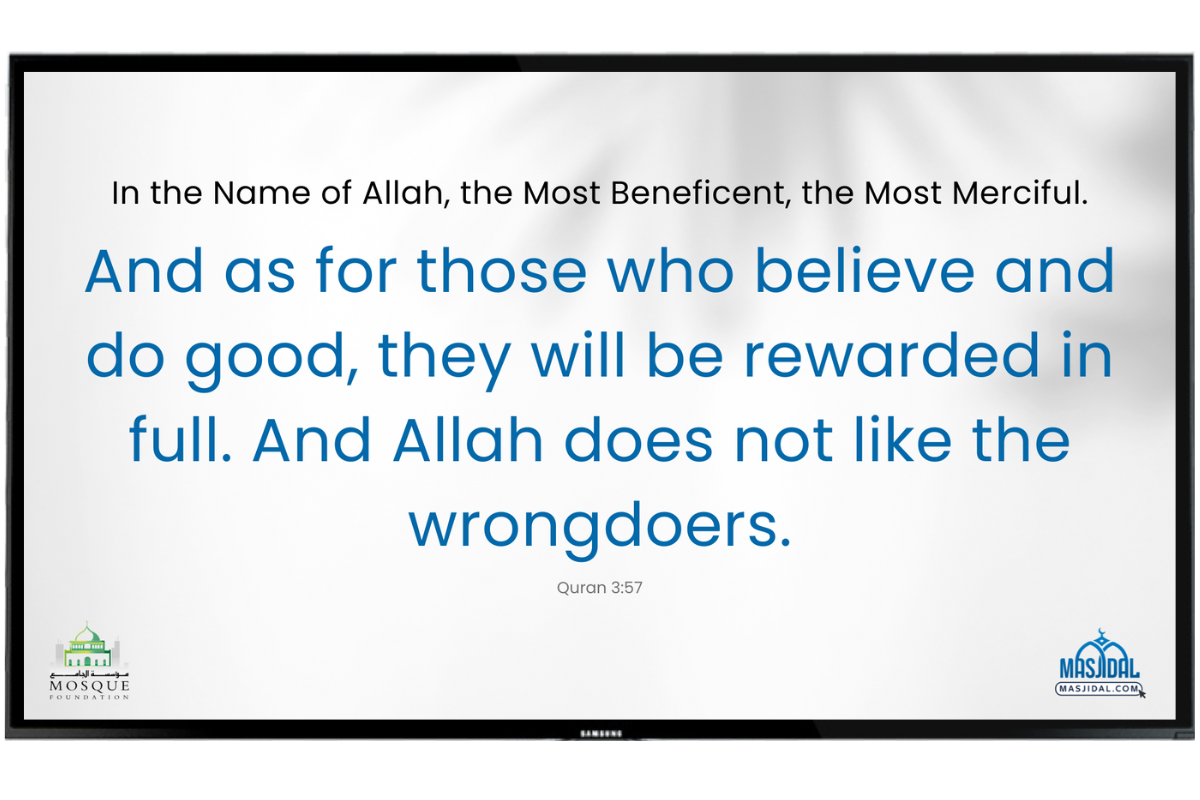
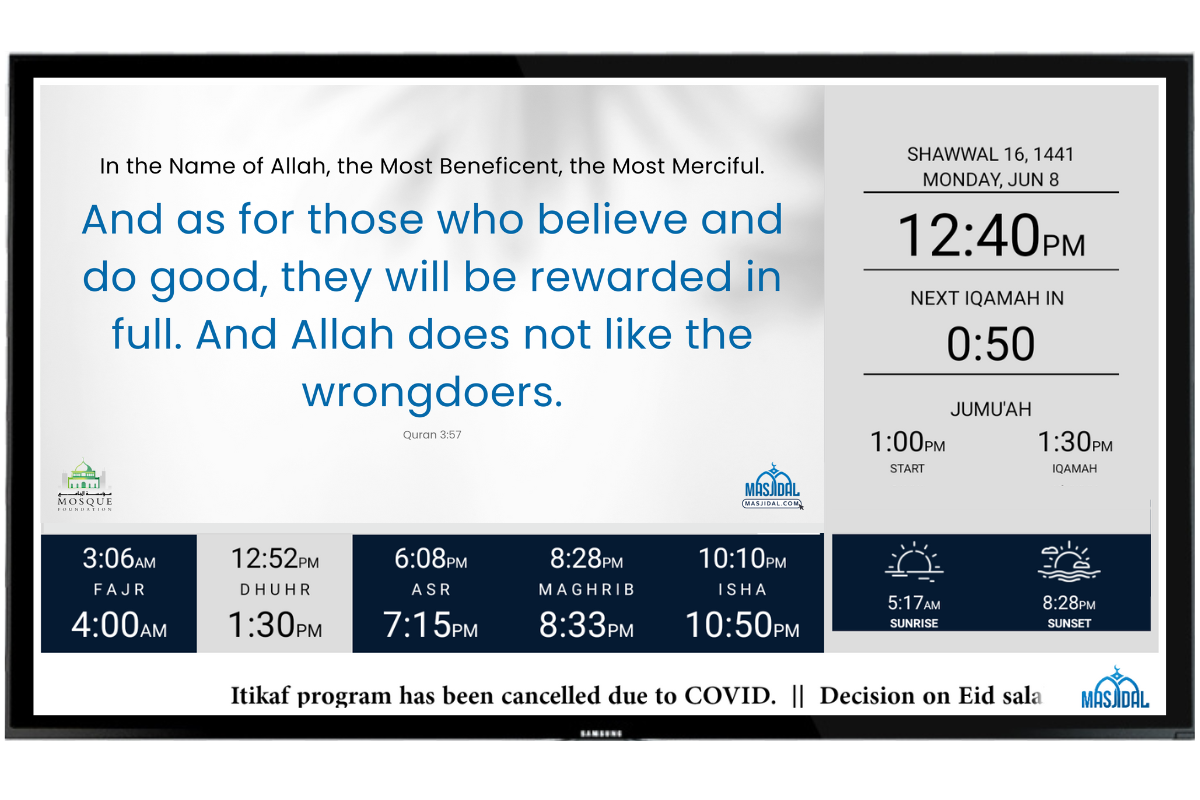
You can choose to display a Quran Verse on your screen and the content (Verse) will be automatically updated on a daily basis.
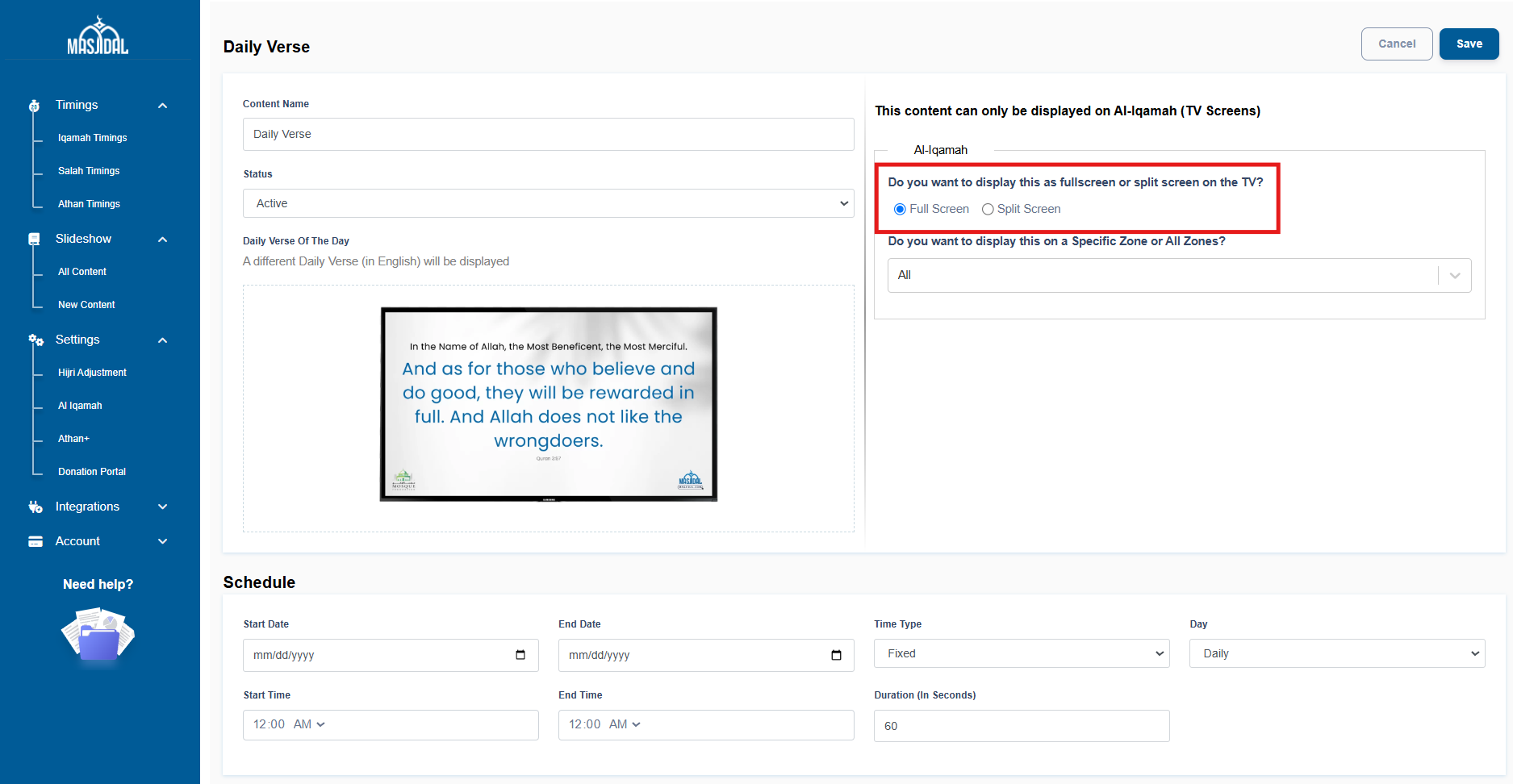
The daily Verse can be displayed in full screen or in split screen mode.
*Subscription needed to enable this feature. Start your 15-day free trial now.
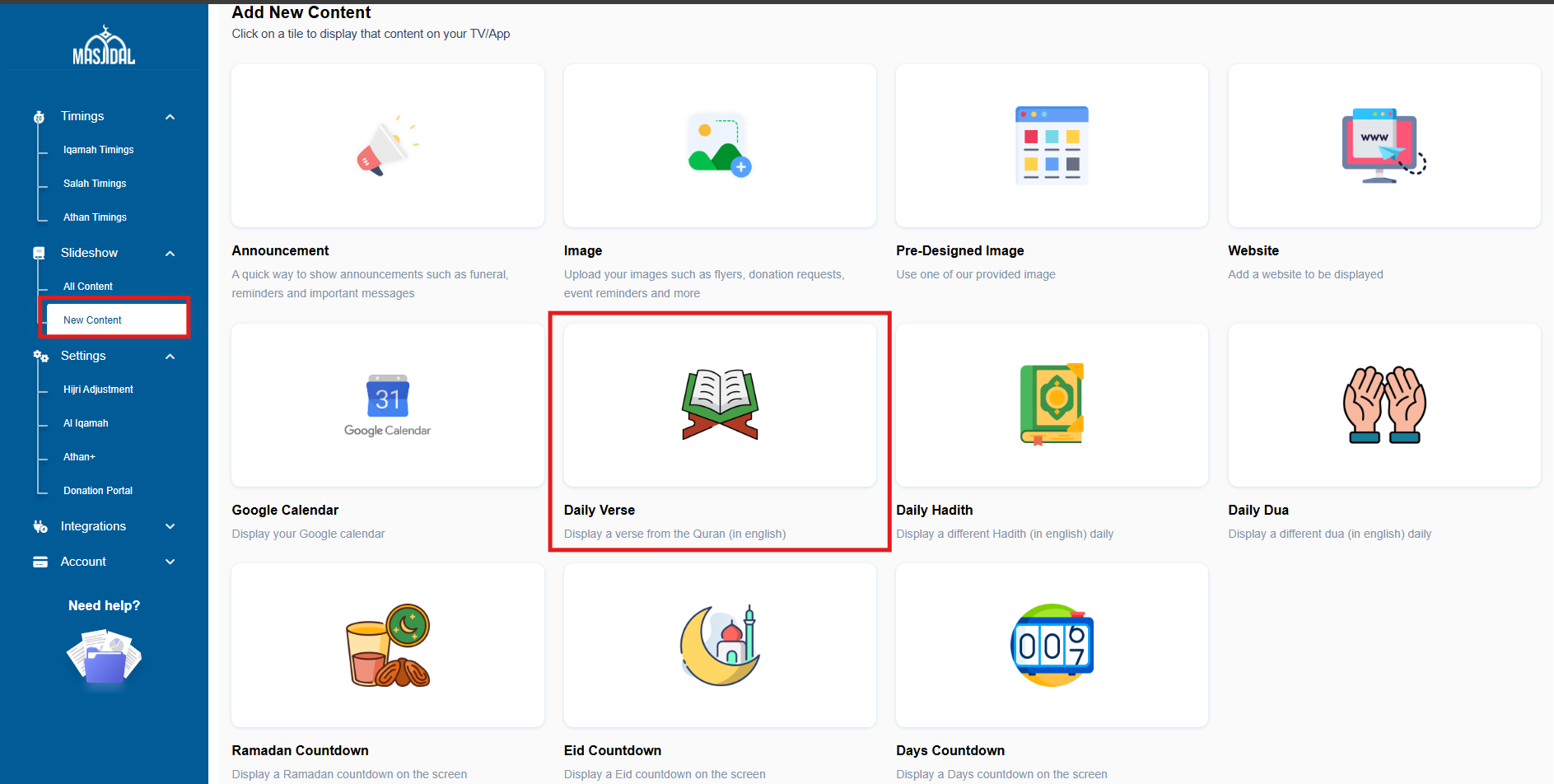
Click on the Slideshow link on the left navigation bar and select New Content. Then, click on Daily Verse.
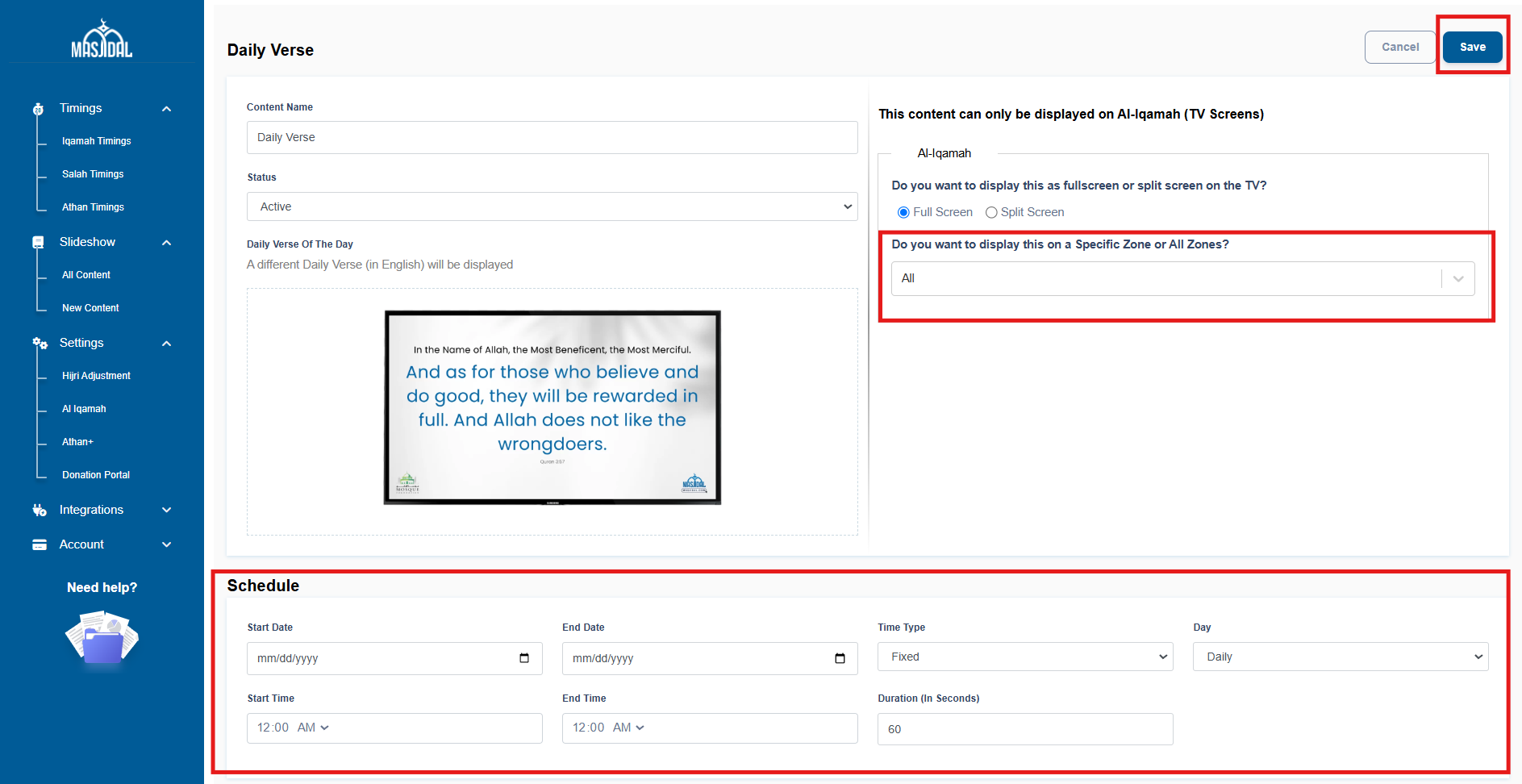
Fill in the fields as needed to schedule it as per your liking. Select the zone dropdown to display on specific screens only. Click save. That’s it, a new verse will be displayed daily based on these settings.
For more information about scheduling, click here.
NOTE: To display the hadith in split screen, check the “Split Screen” radio button.
Are you using the latest version of the Al-Iqamah? Learn more.