
Themes (Timings Screen)
USING DIFFERENT DESIGNS
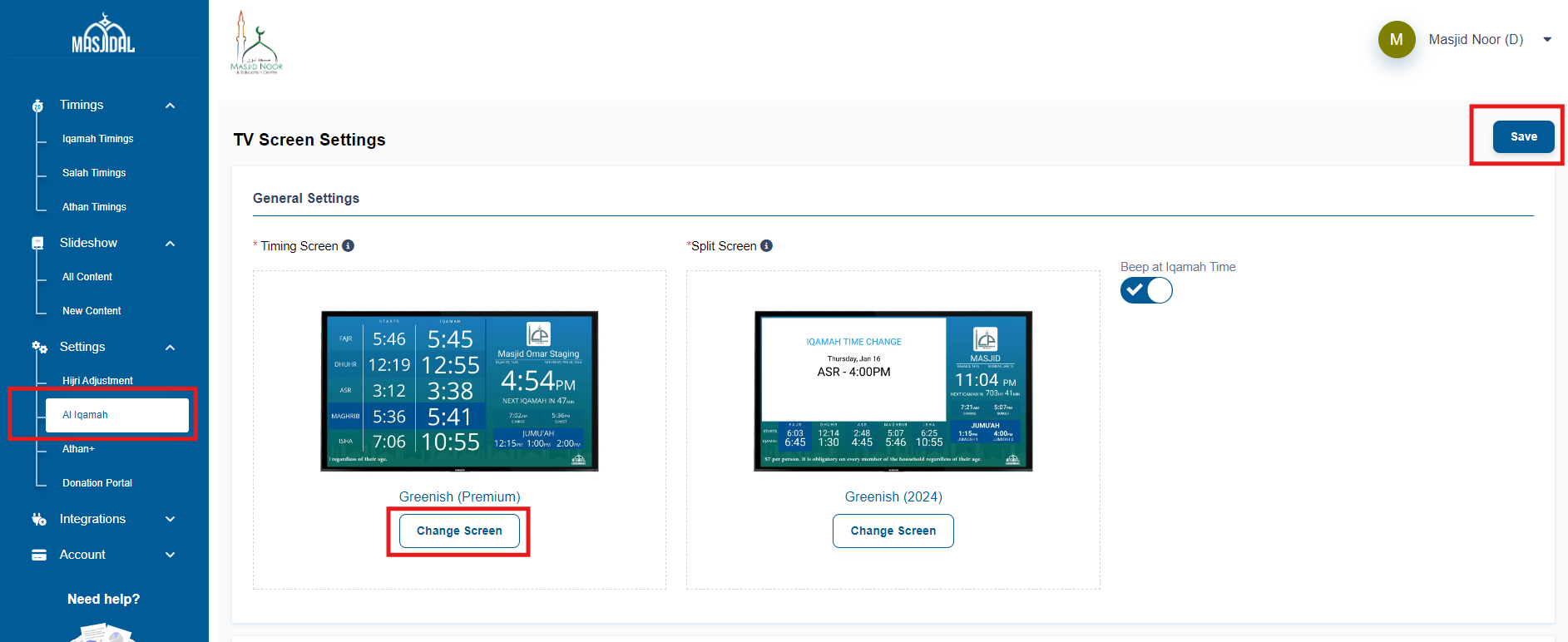
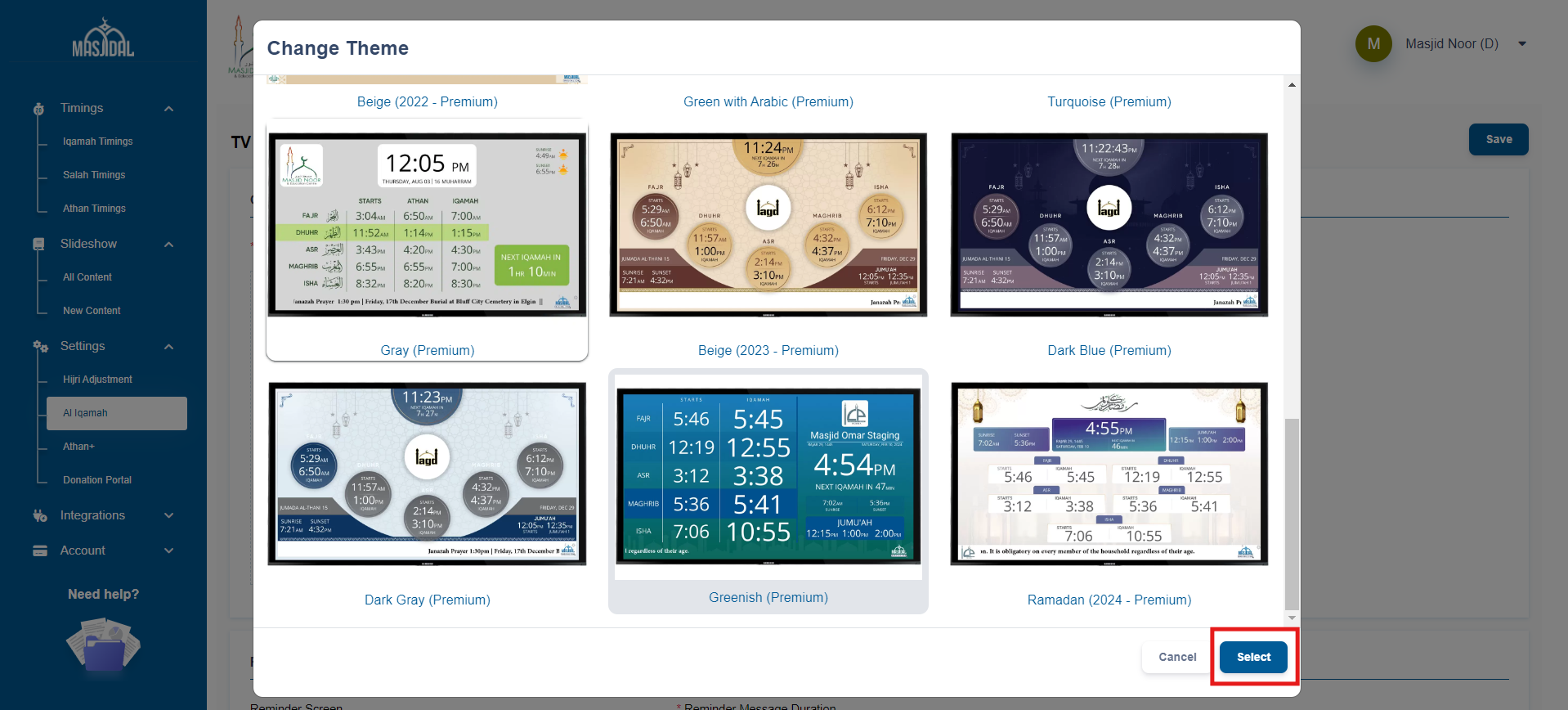
Mulitiple different themes are available for you to choose from. Simply select the theme from the change screen button, select your theme, and save. The new theme will be displayed on the TV screen.
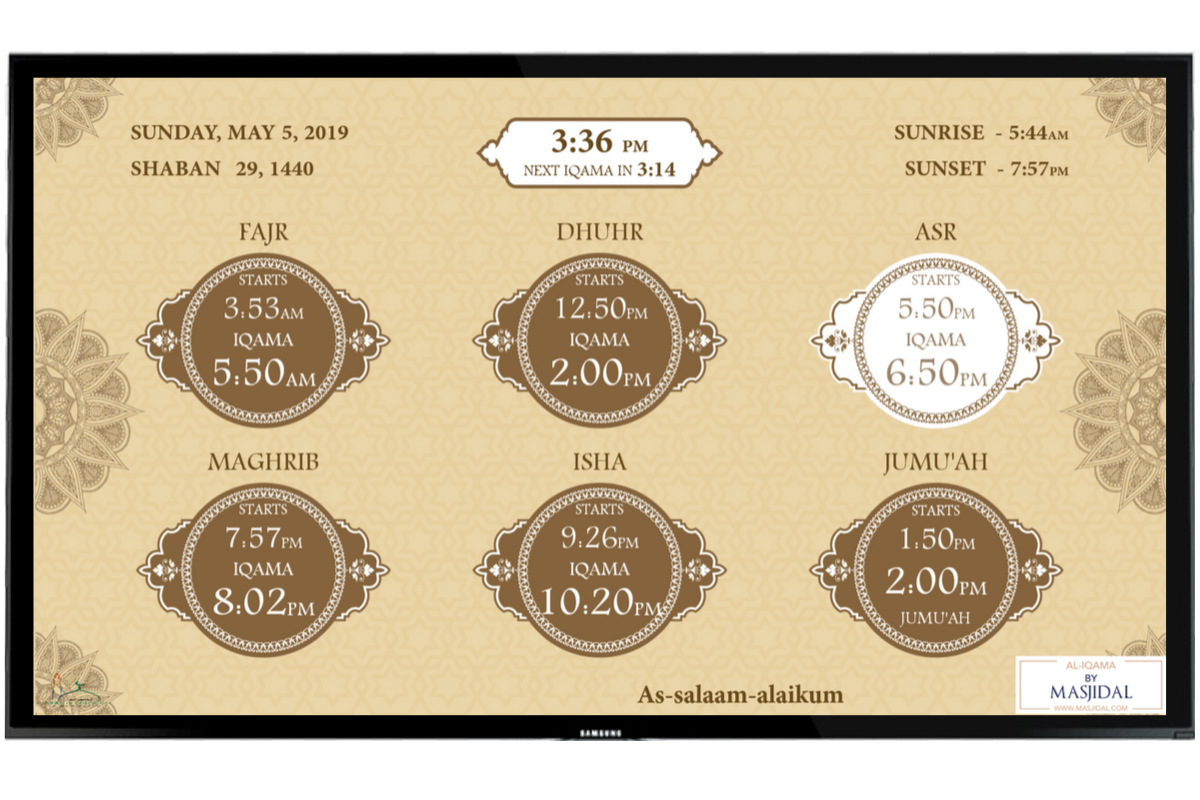
Beige
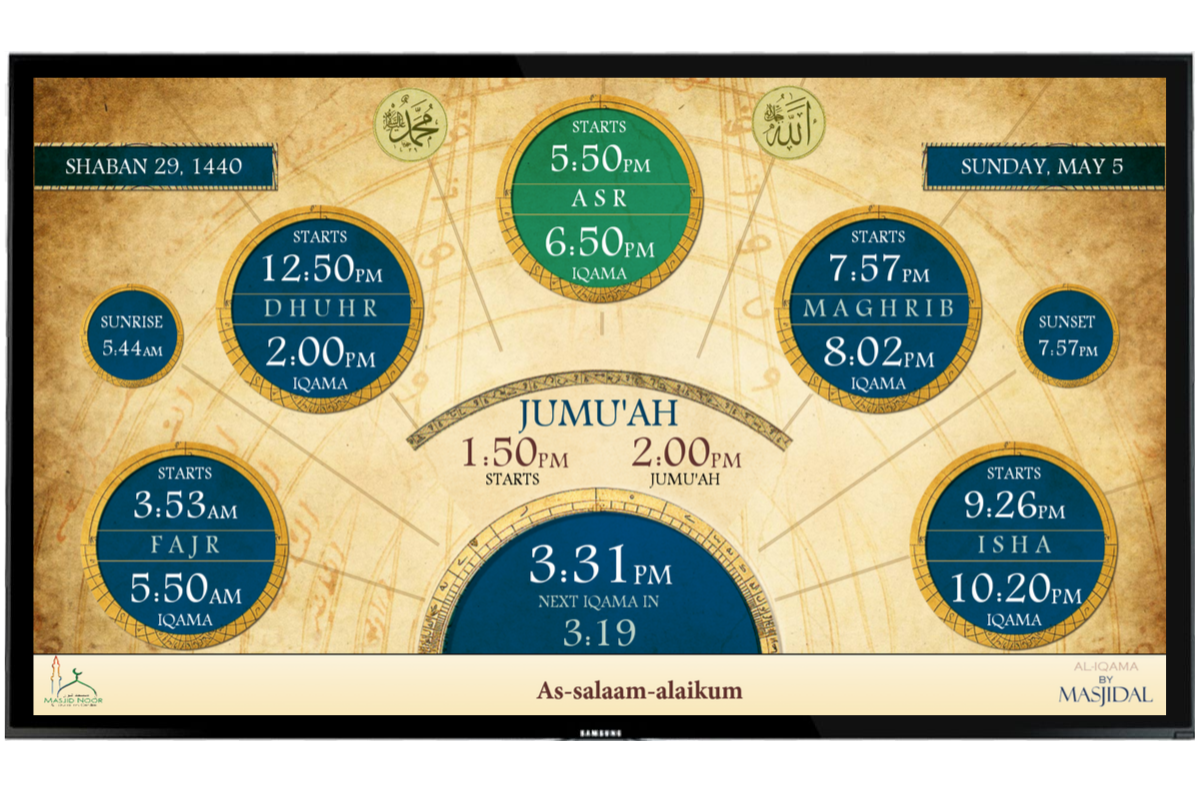
Blue
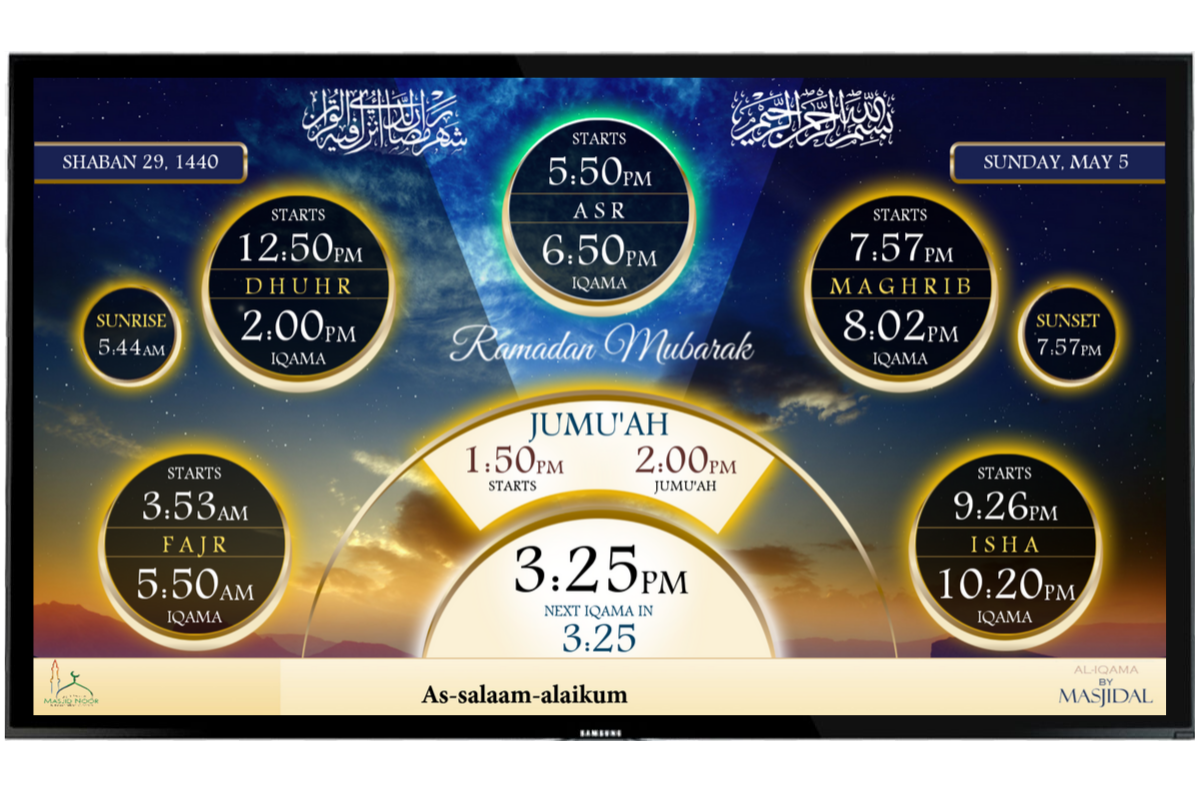
Ramadan

White
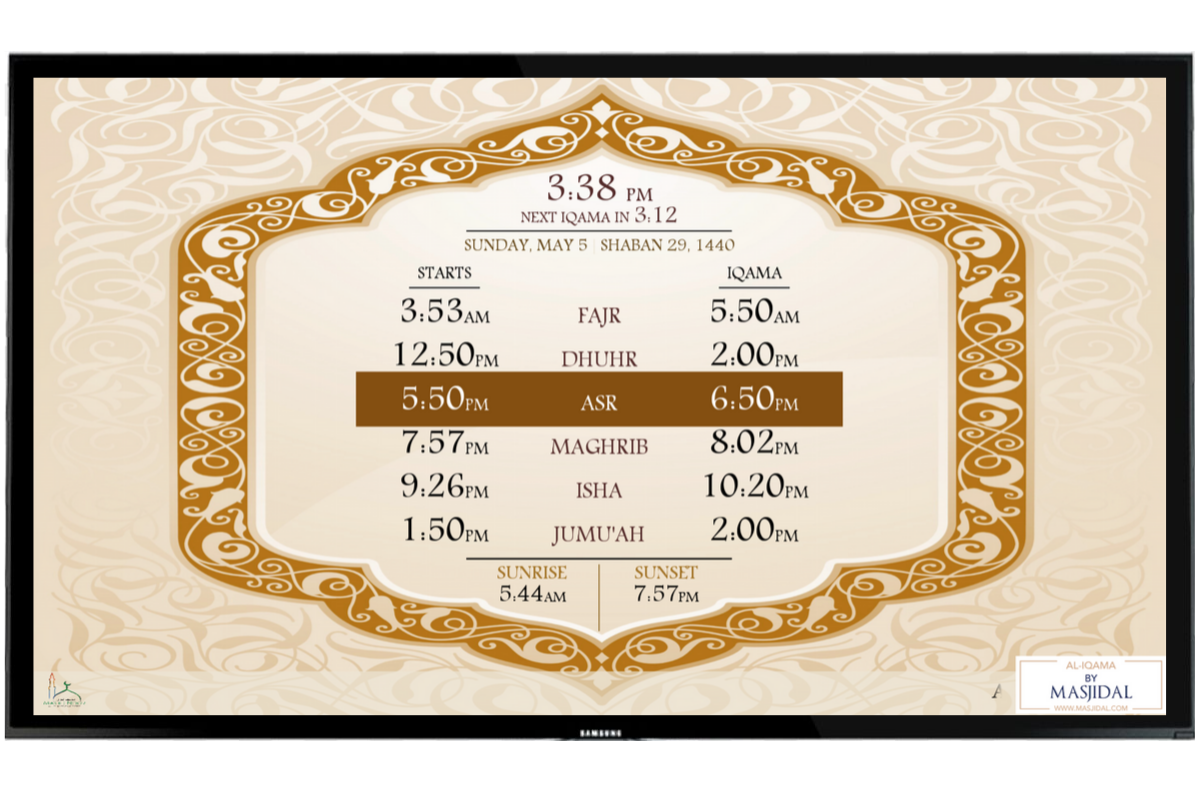
Simple
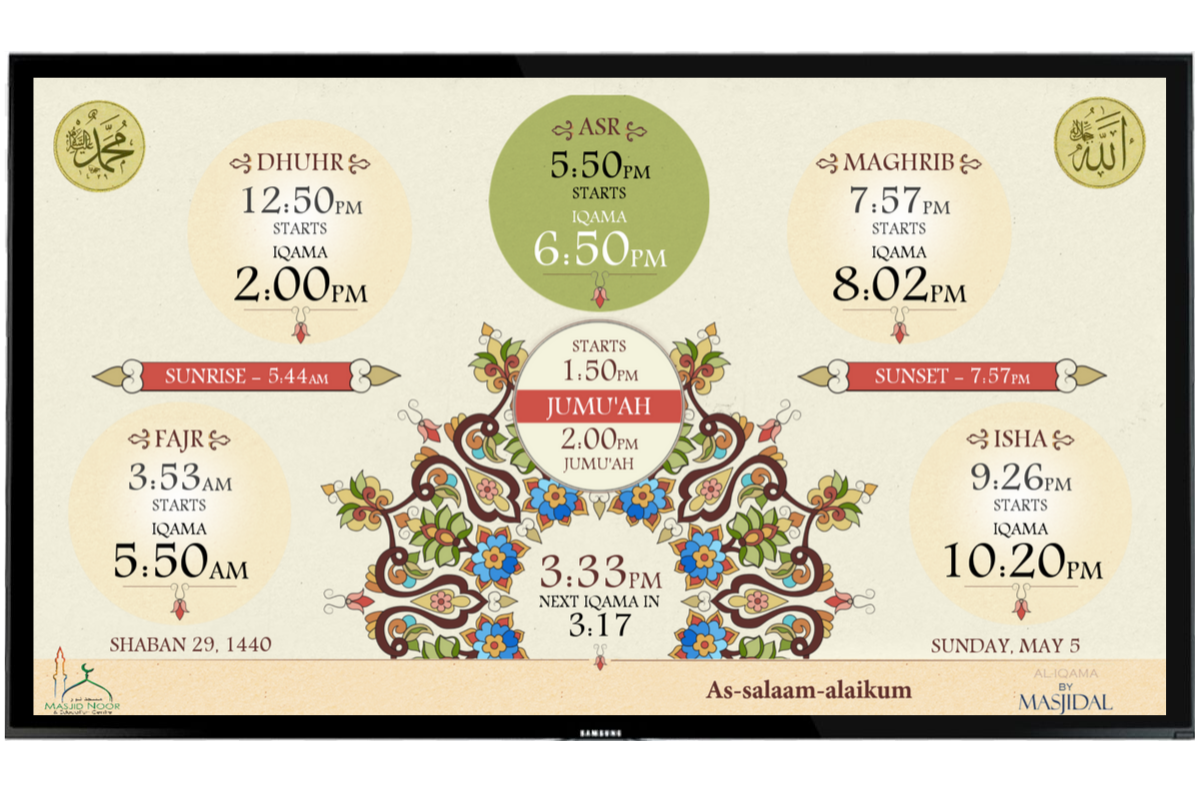
Off White
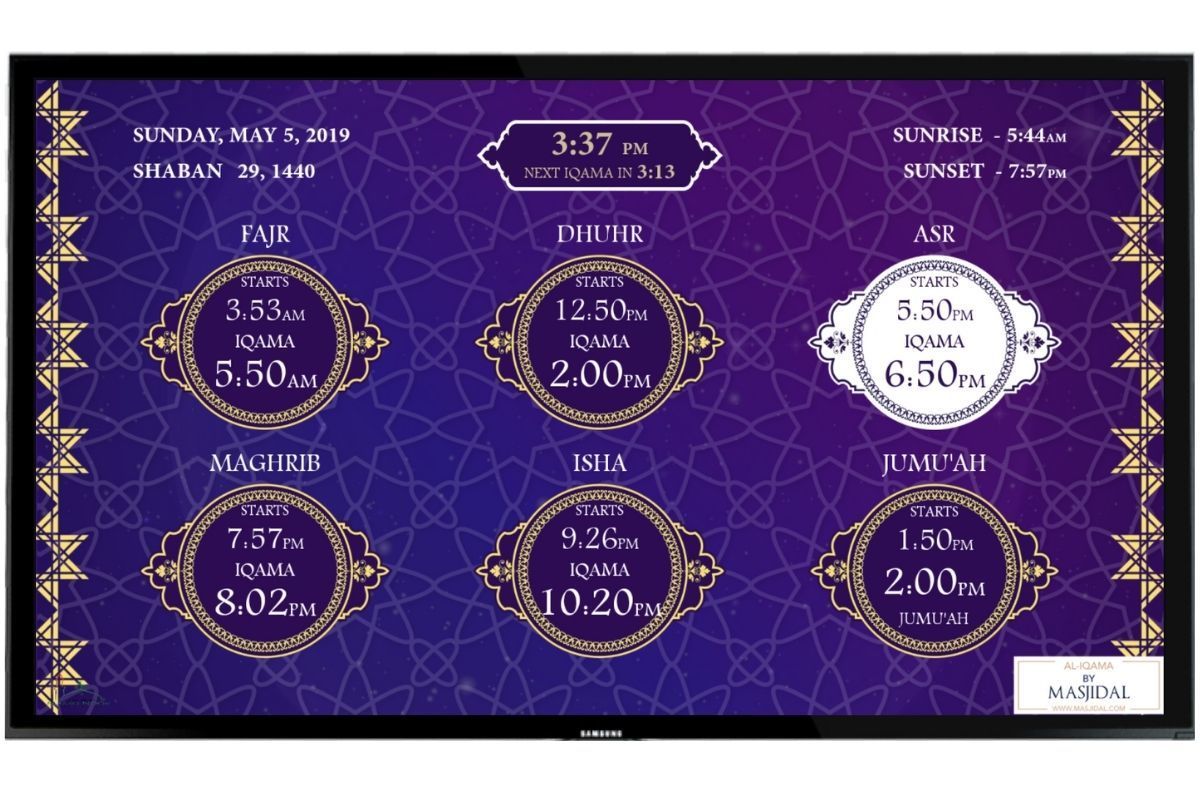
Purple
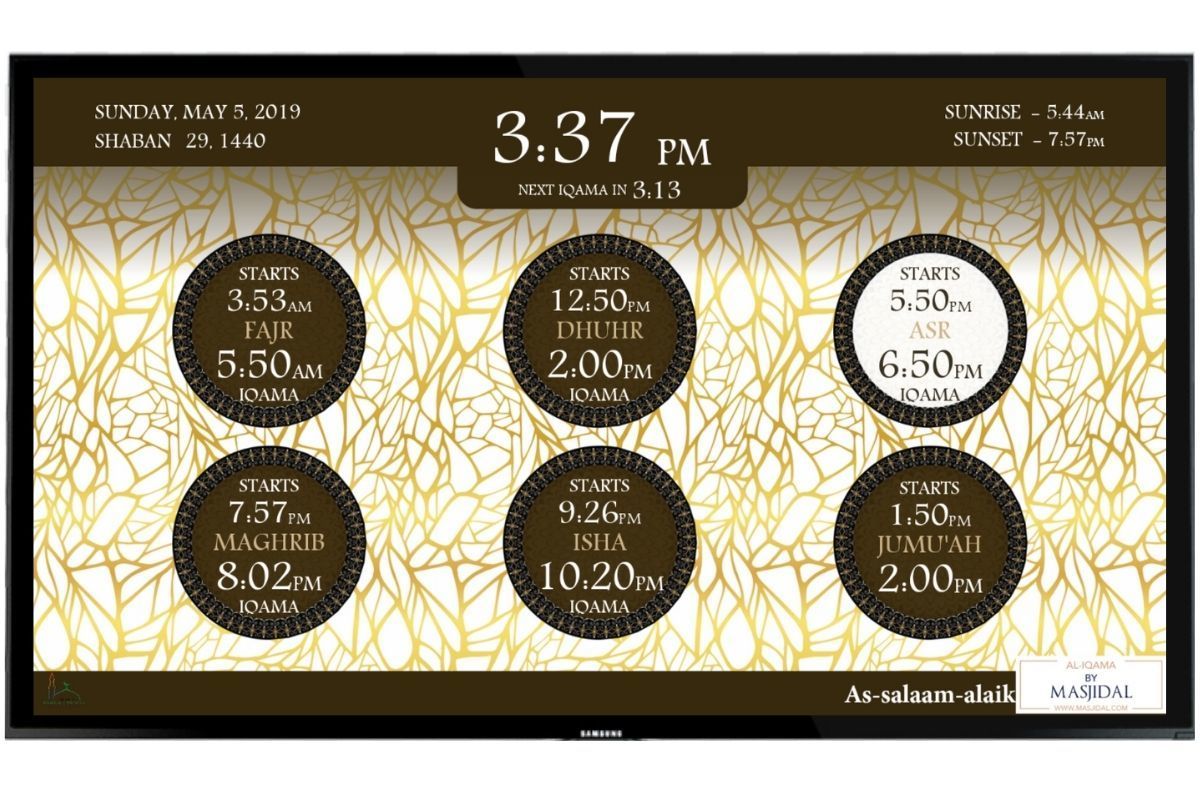
Gold
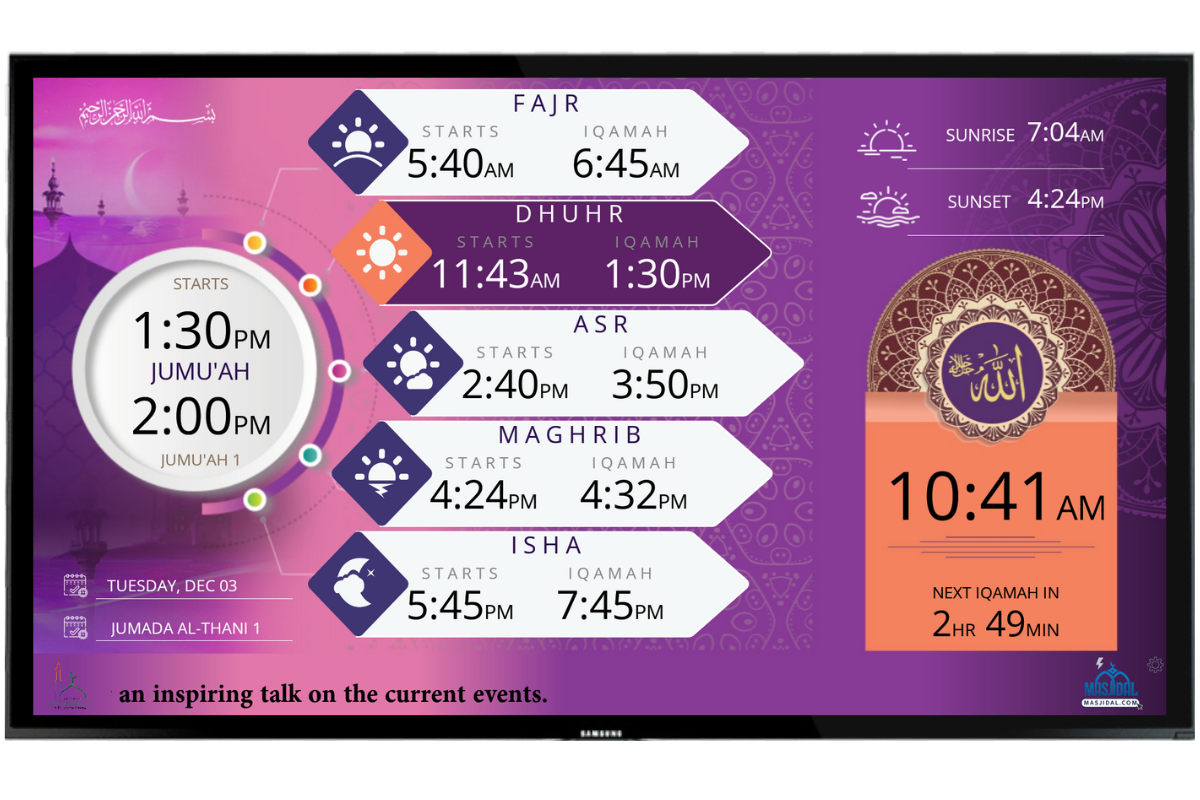
Purple (2019)
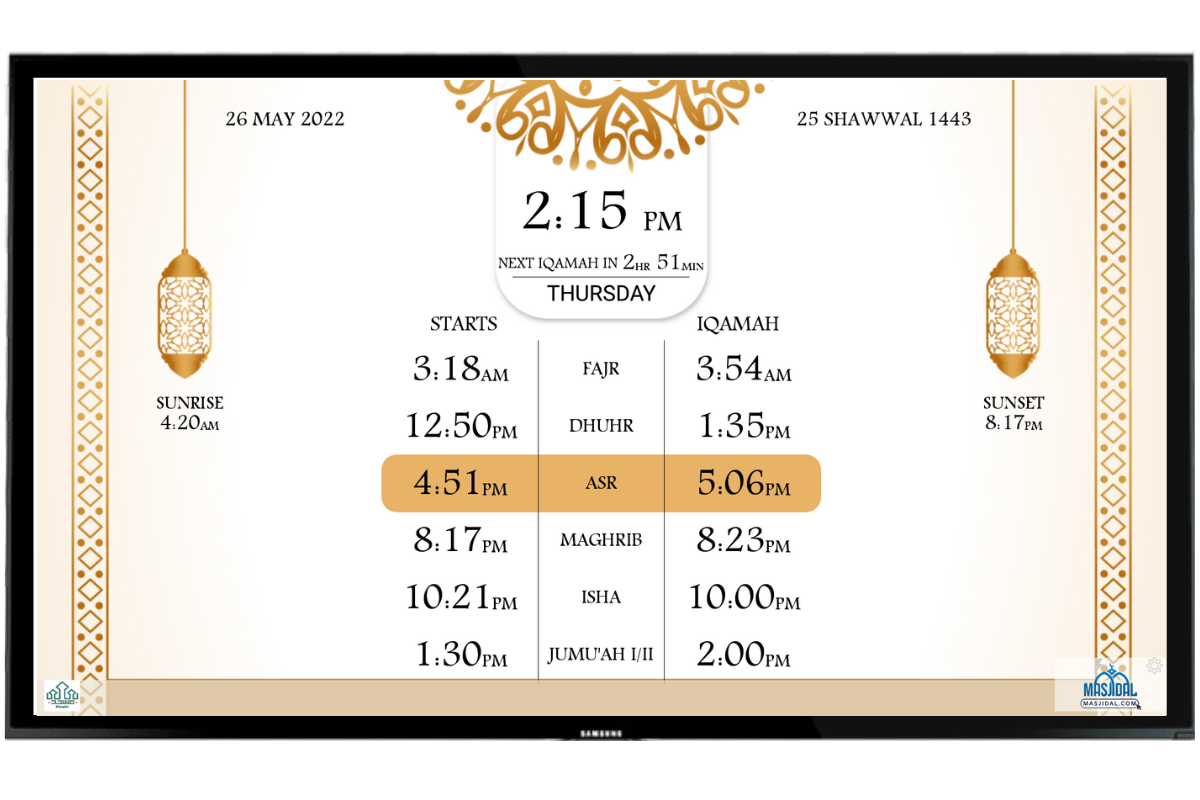
Beige 2022 (subscription required)
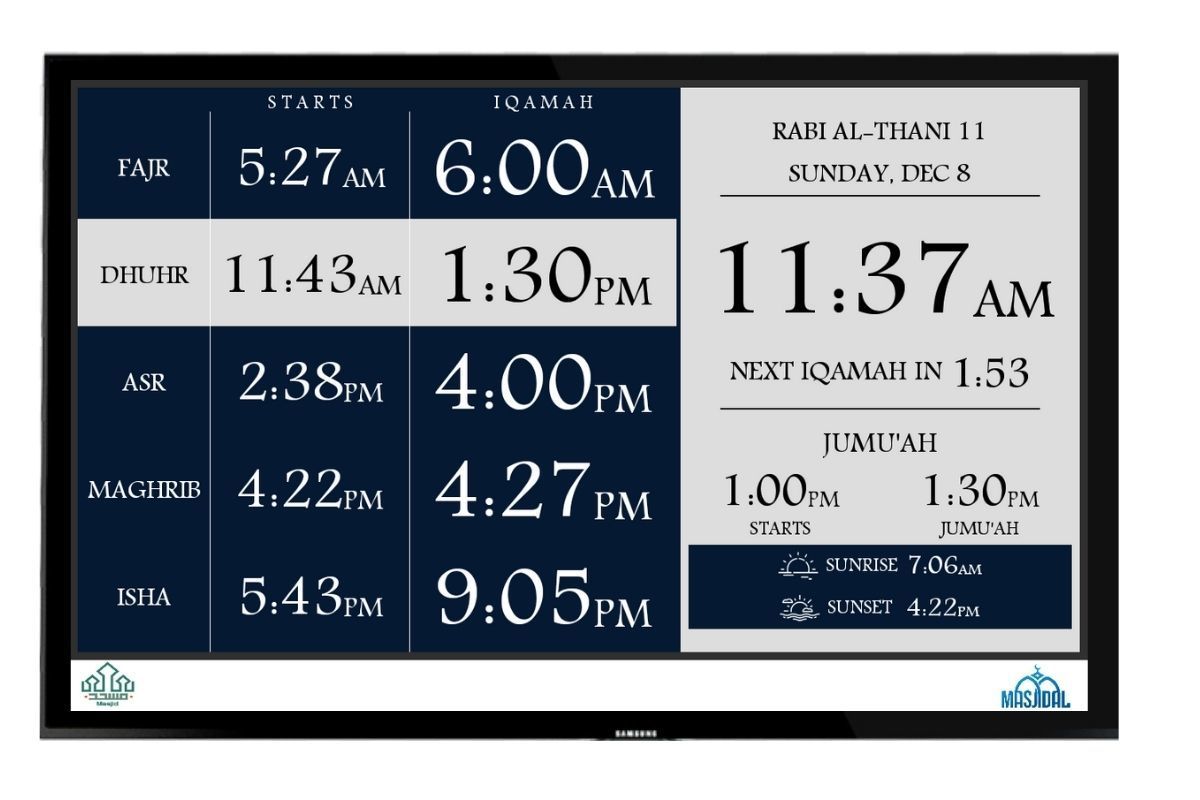
Custom Color (Premium)
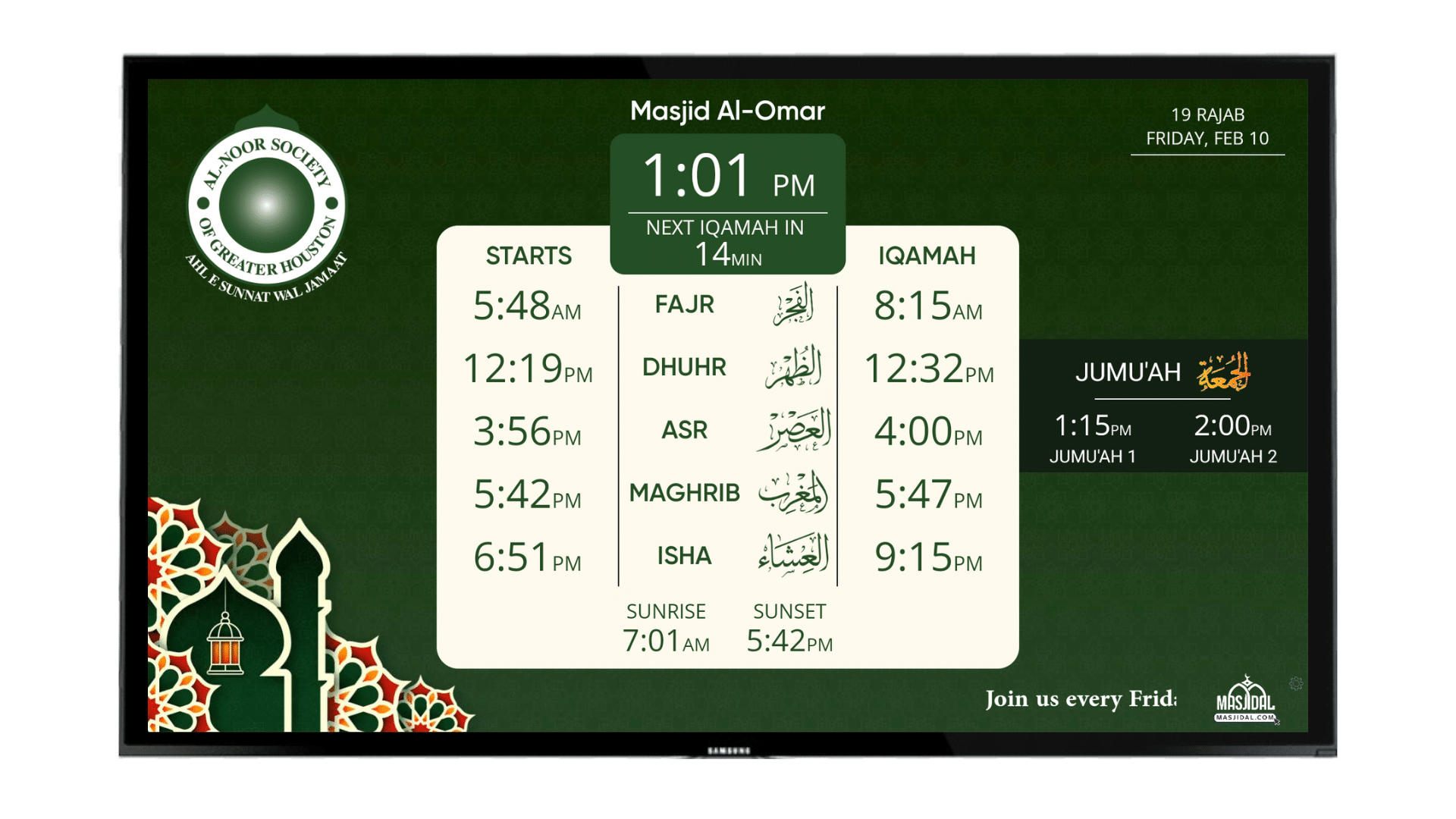
Green with Arabic (subscription required)
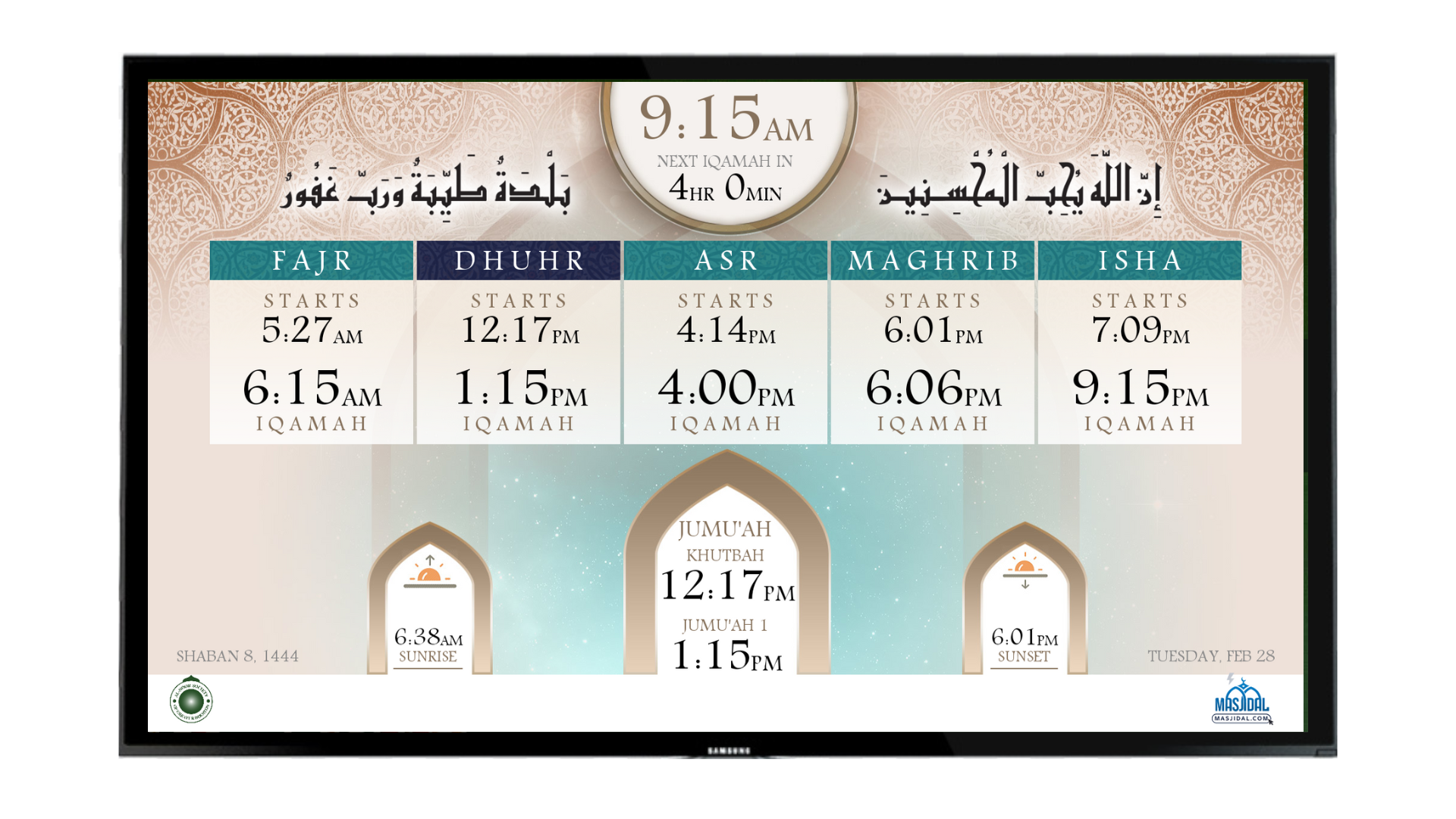
Torquise (subscription required)

Gray (subscription required)
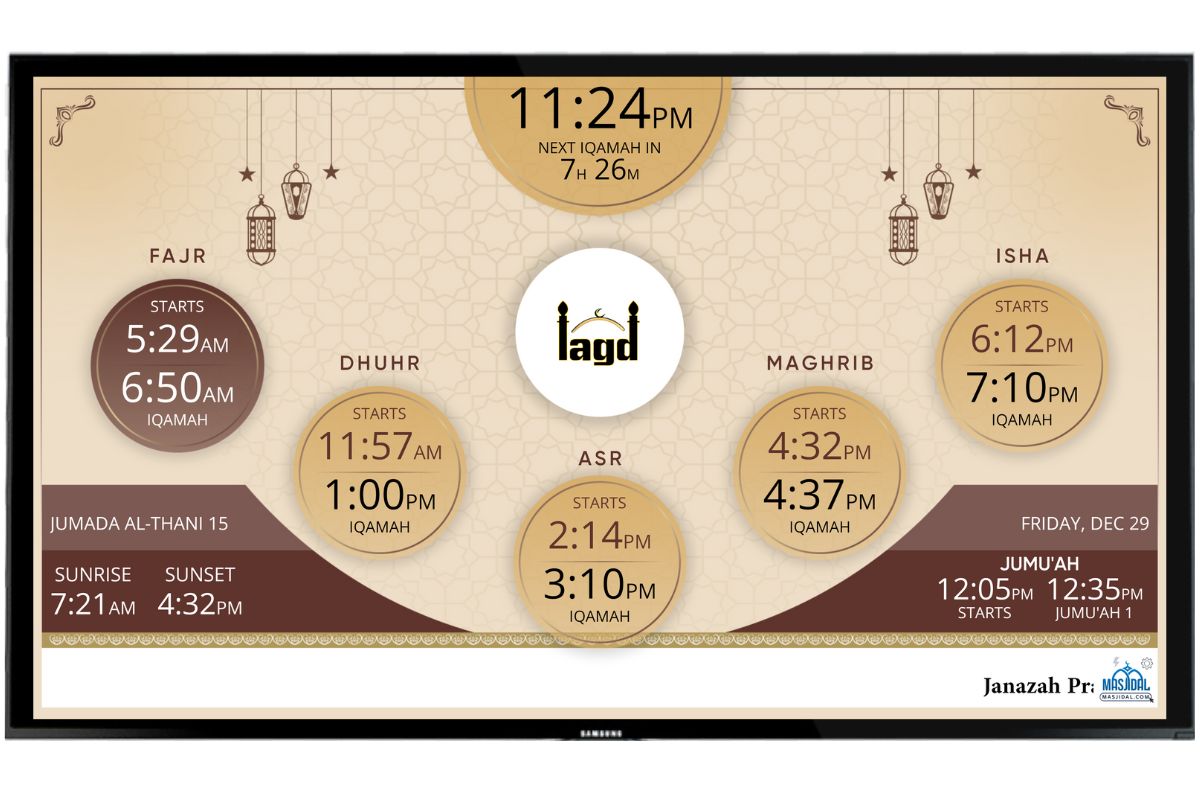
Beige 2023 (Subscription Required)
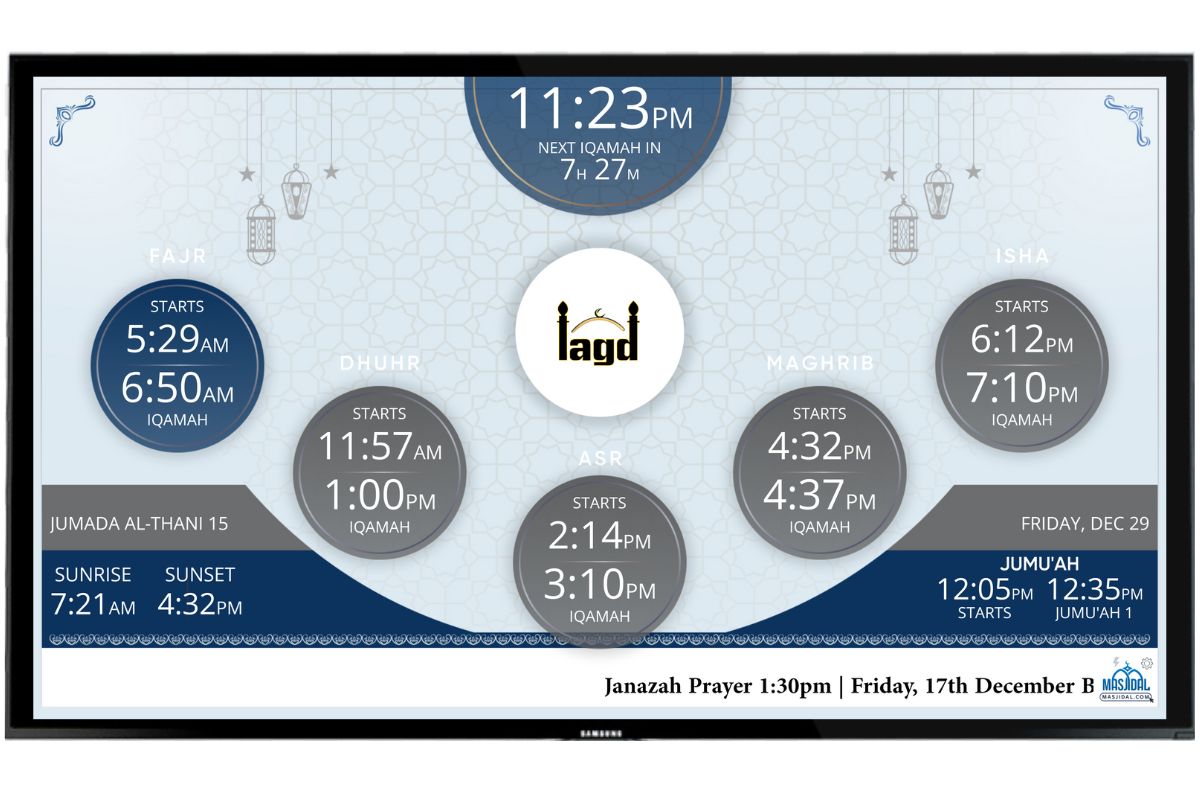
Dark Gray (Subscription Required)
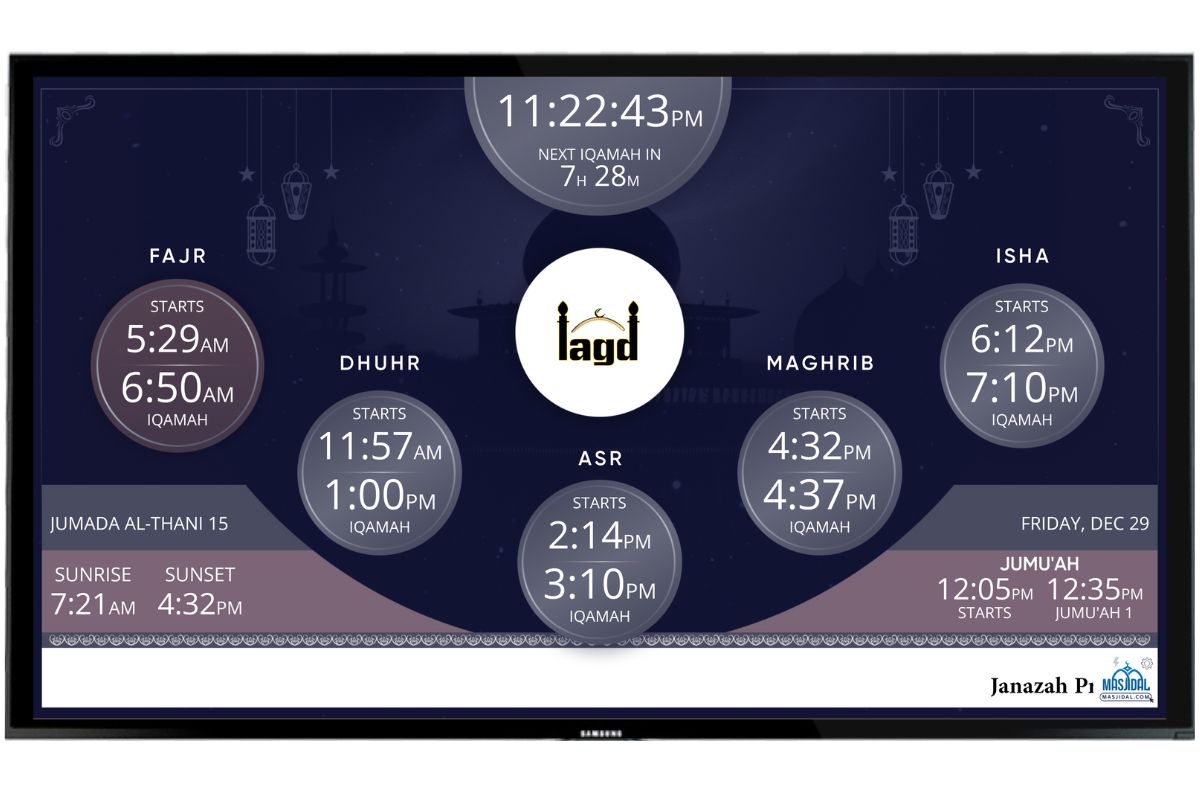
Dark Blue (Subscription Required)

Ramadan 2024 (Subscription Required)
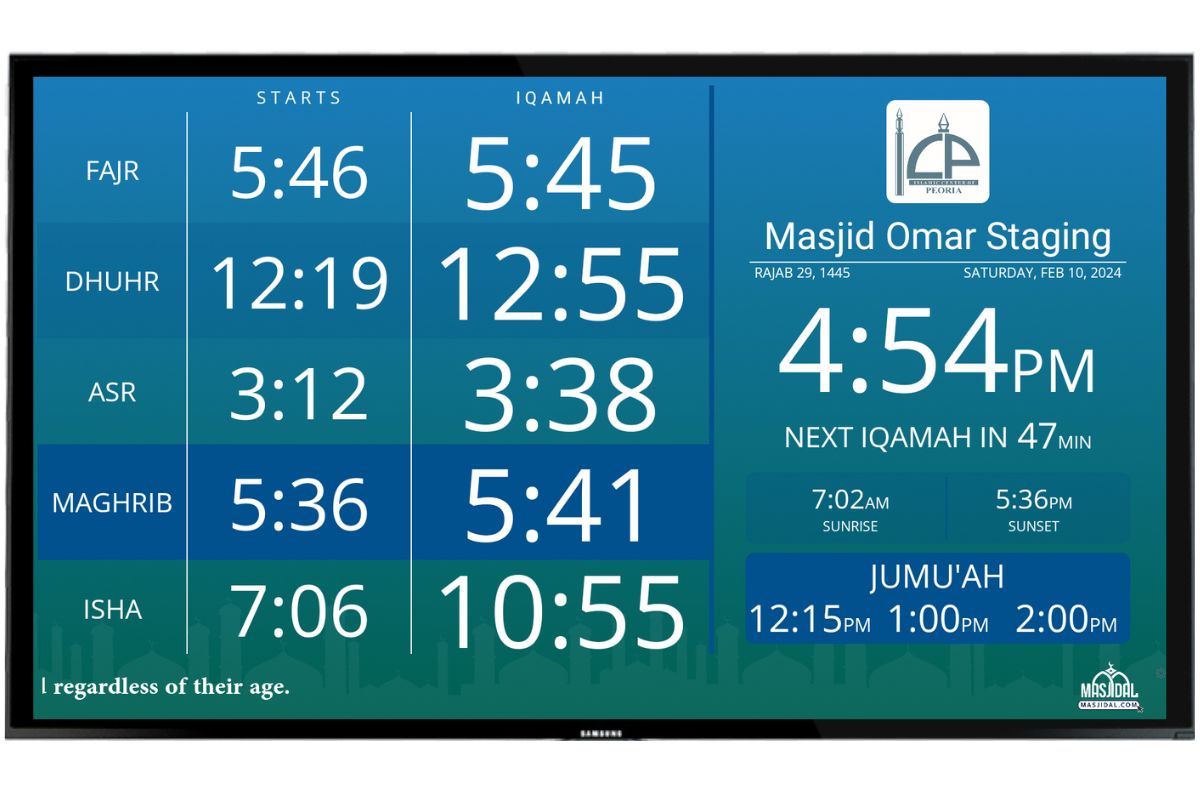
Greenish (Subscription Required)
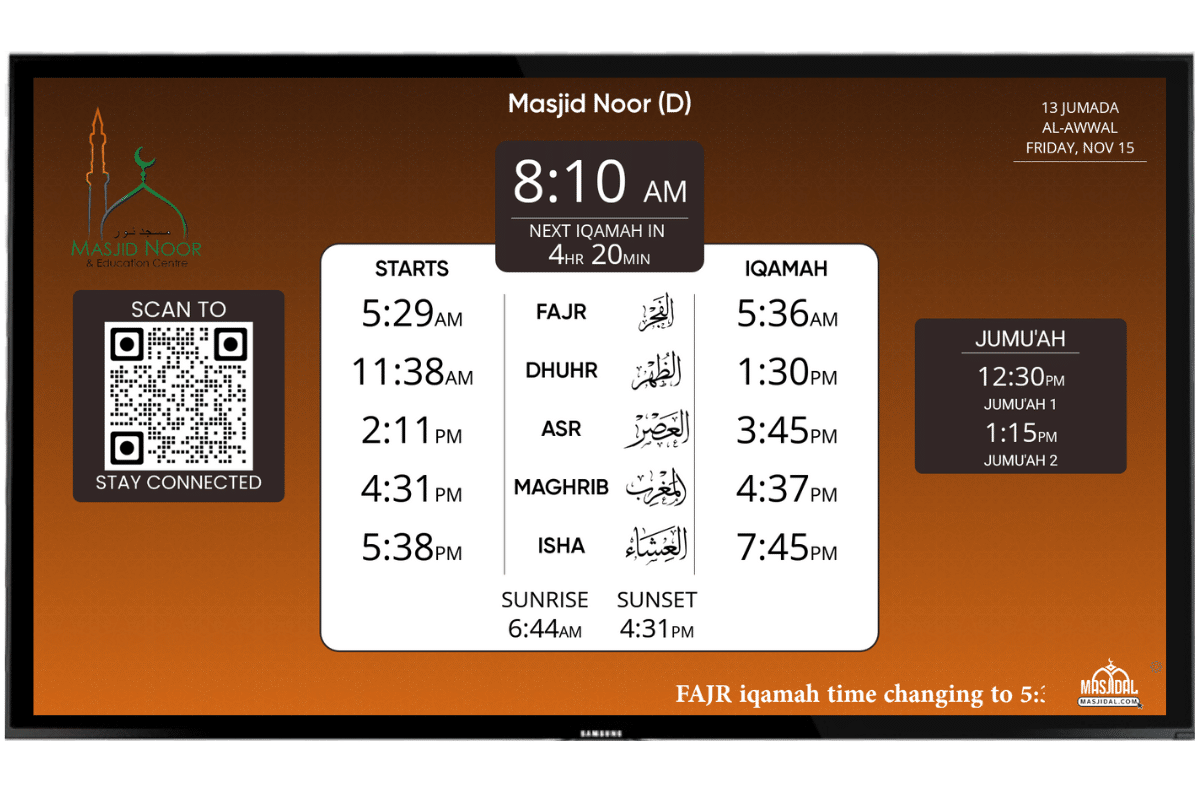
Orange (Subscription Required)
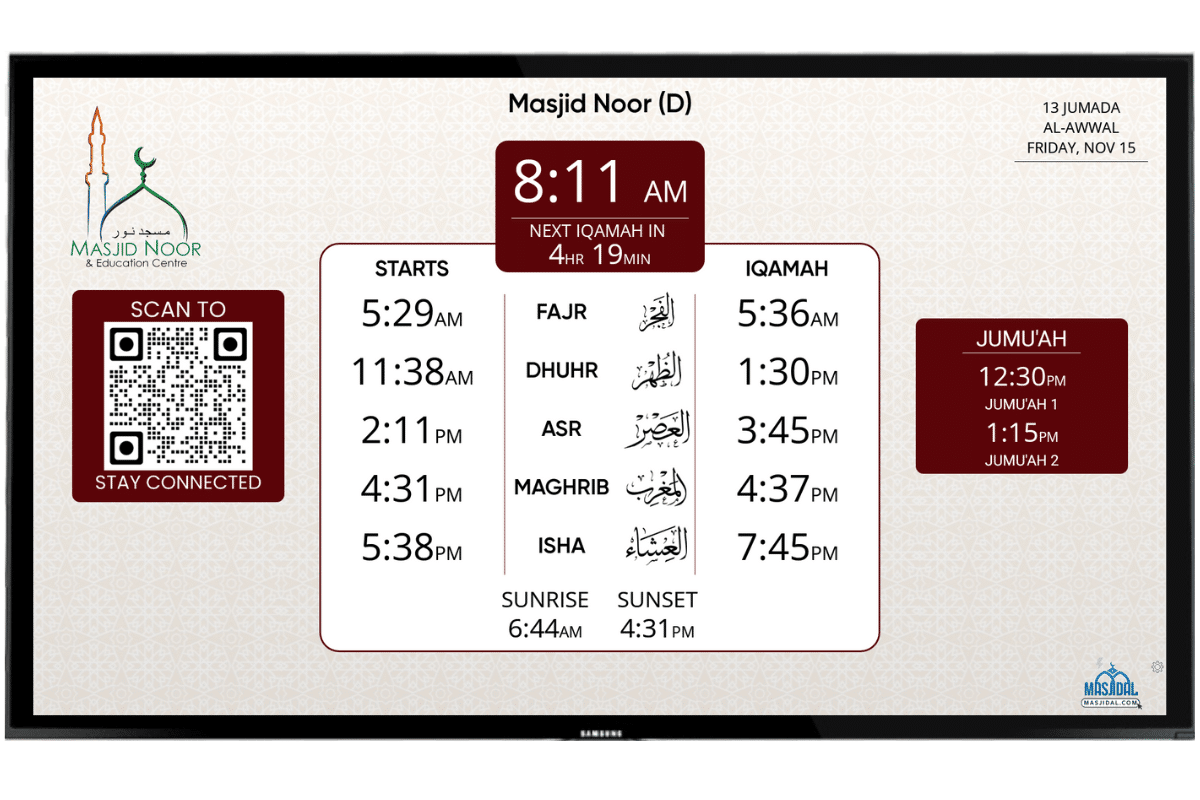
Maroon (Subscription Required)
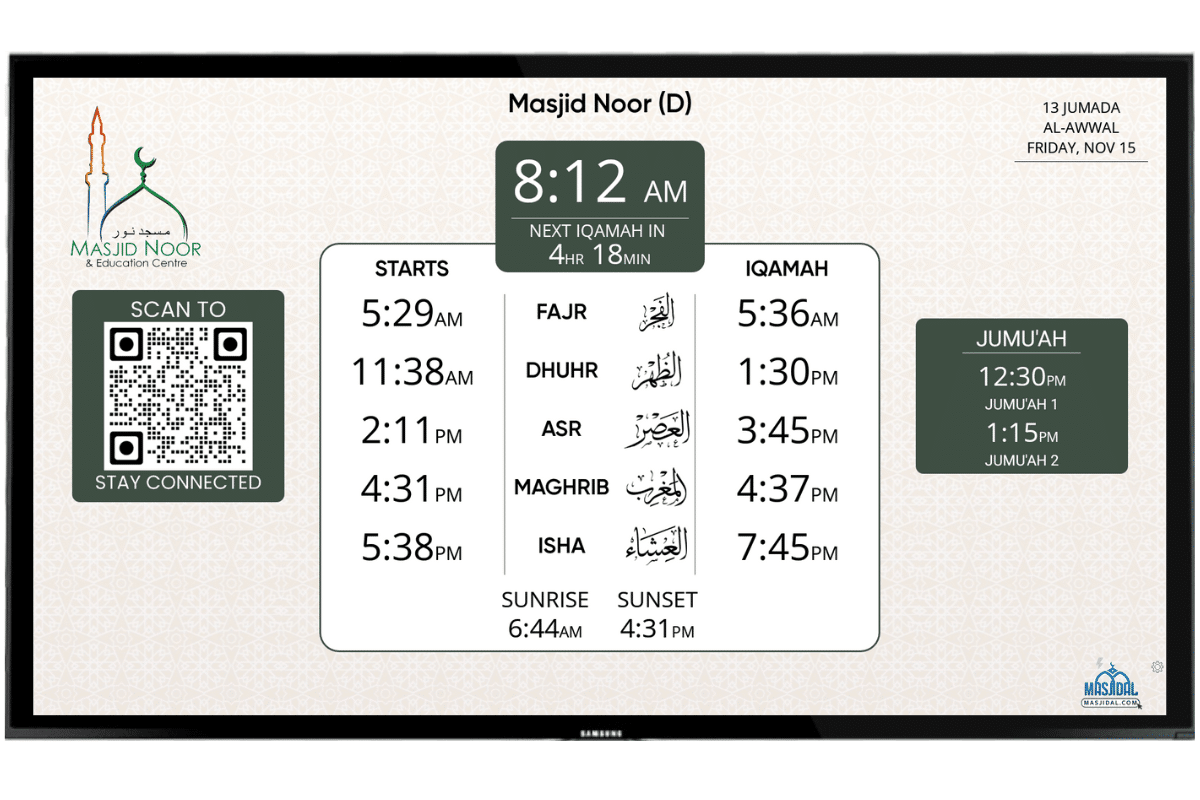
Green (Subscription Required)
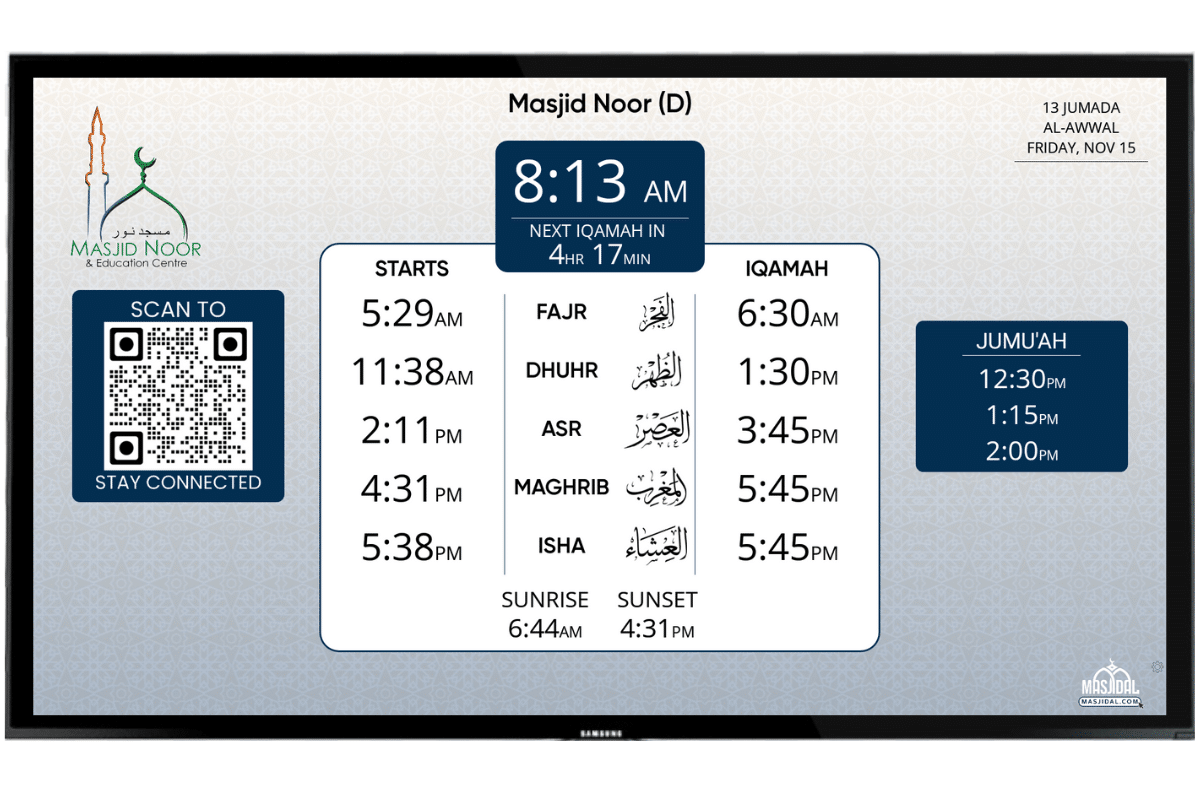
Blue (Subscription Required)
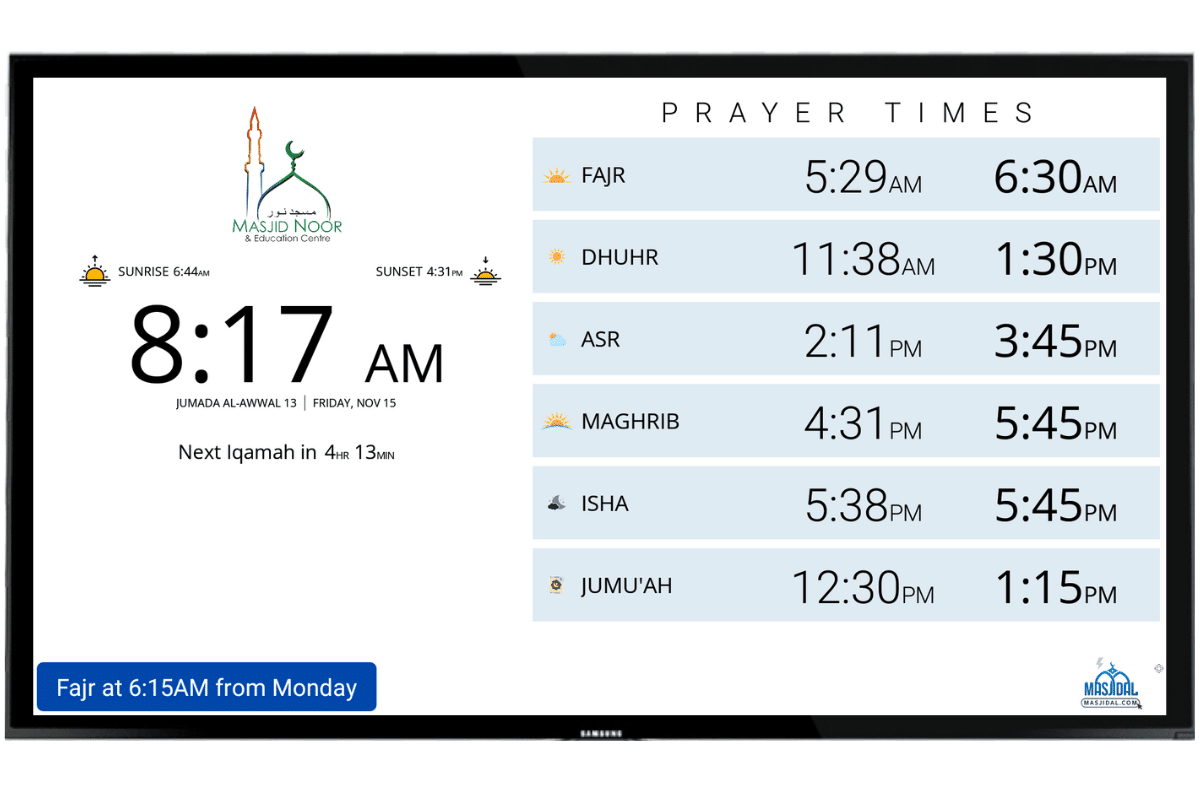
White (Subscription Required)
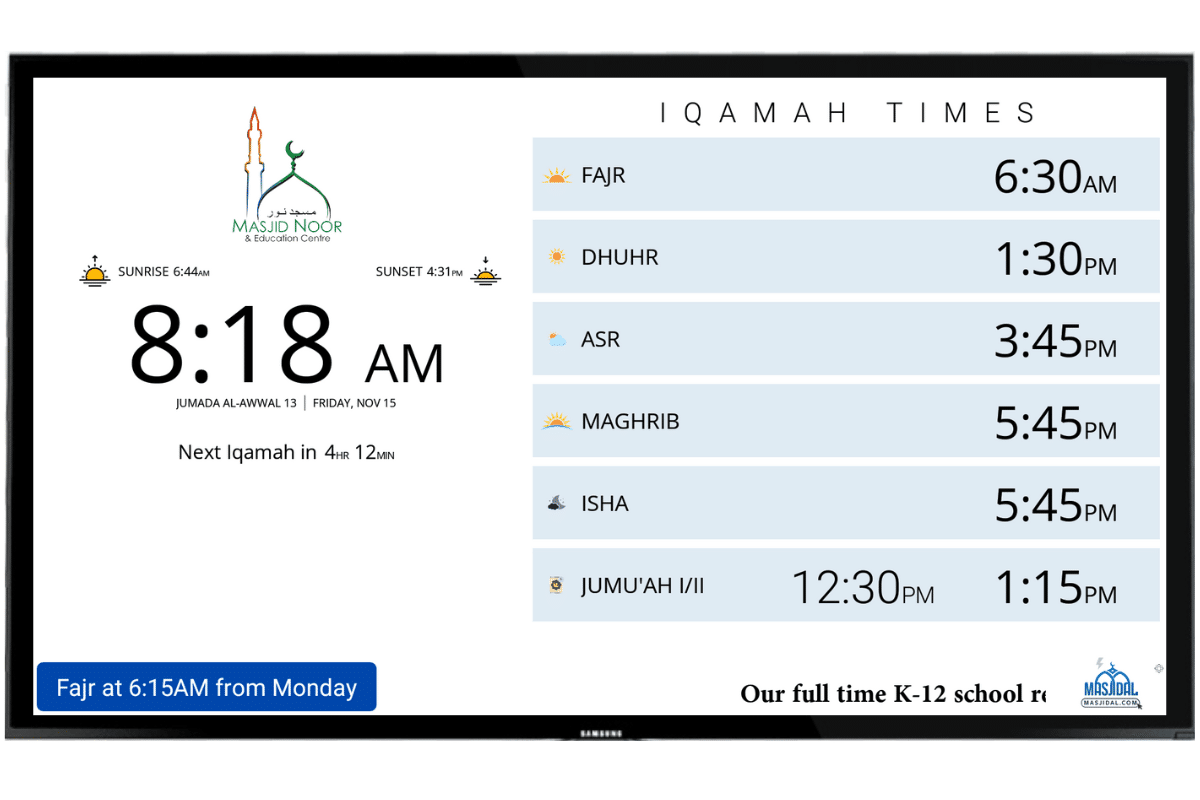
White Iqamah Only (Subscription Required)
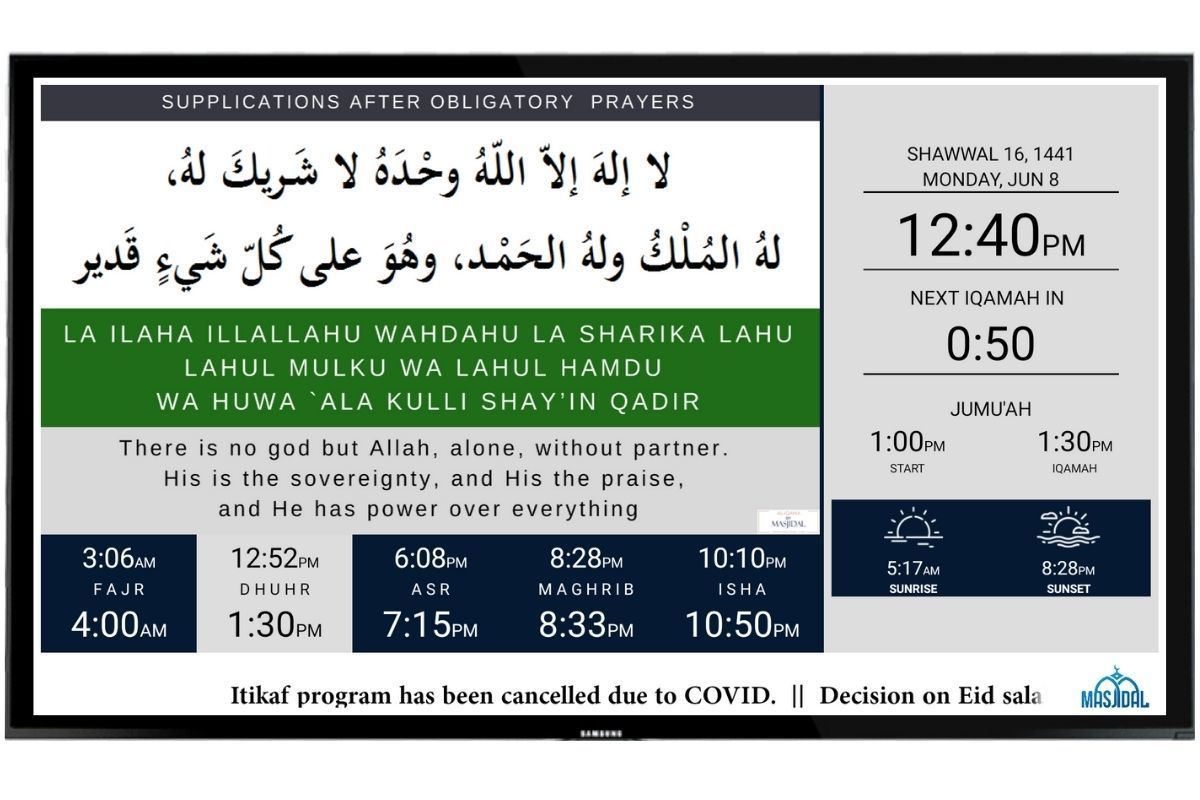
Split (subscription required)
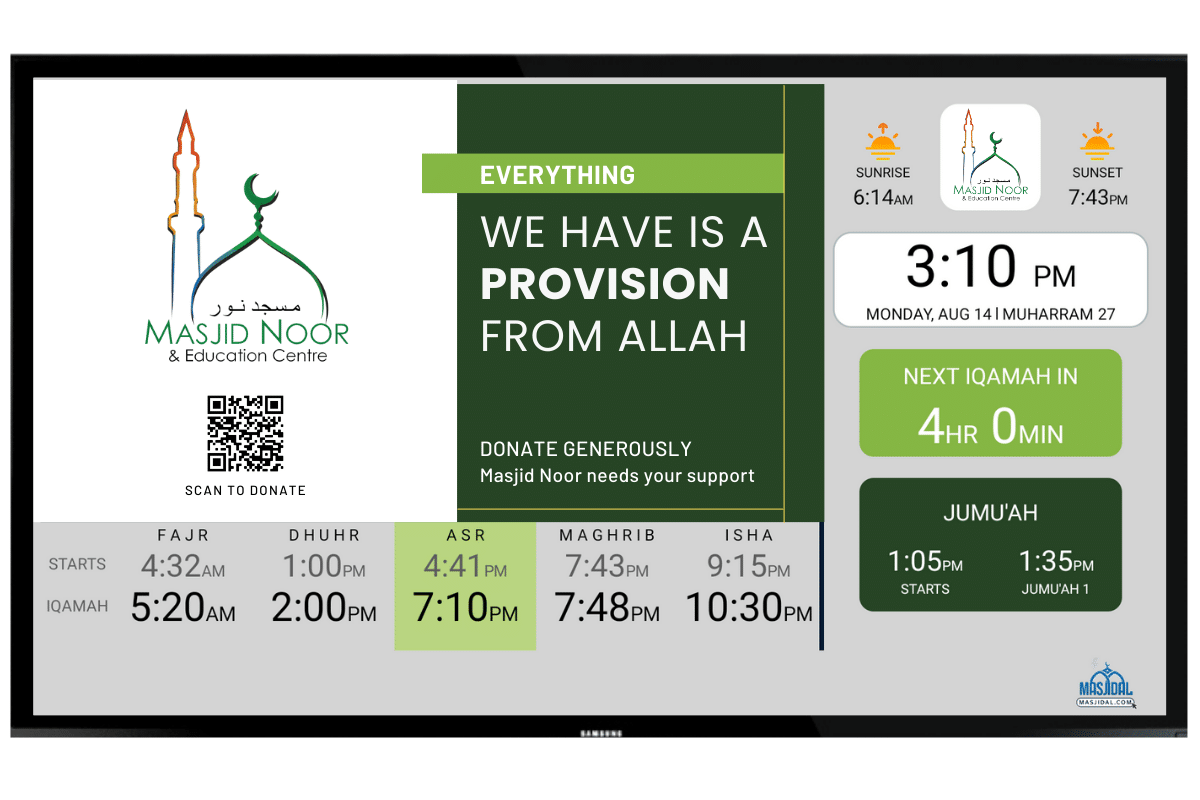
Split Gray (subscription required)
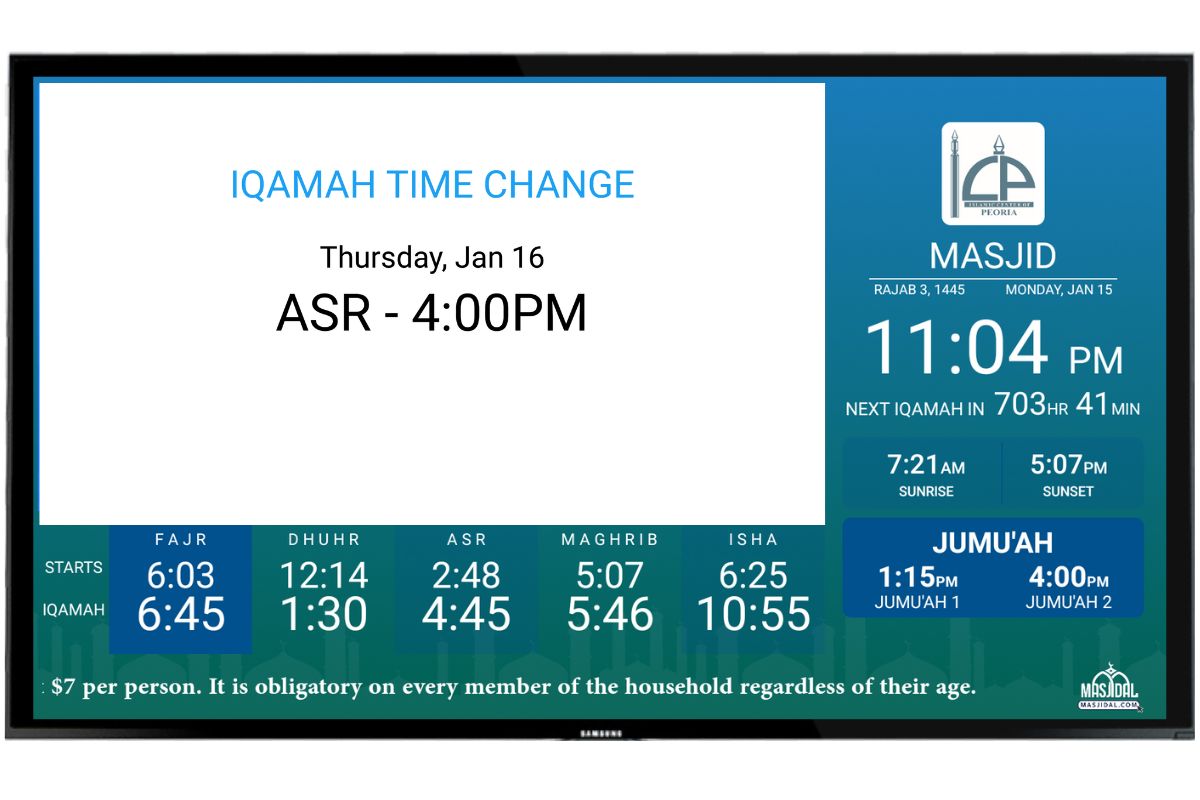
Split Greenish (Subscription Required)
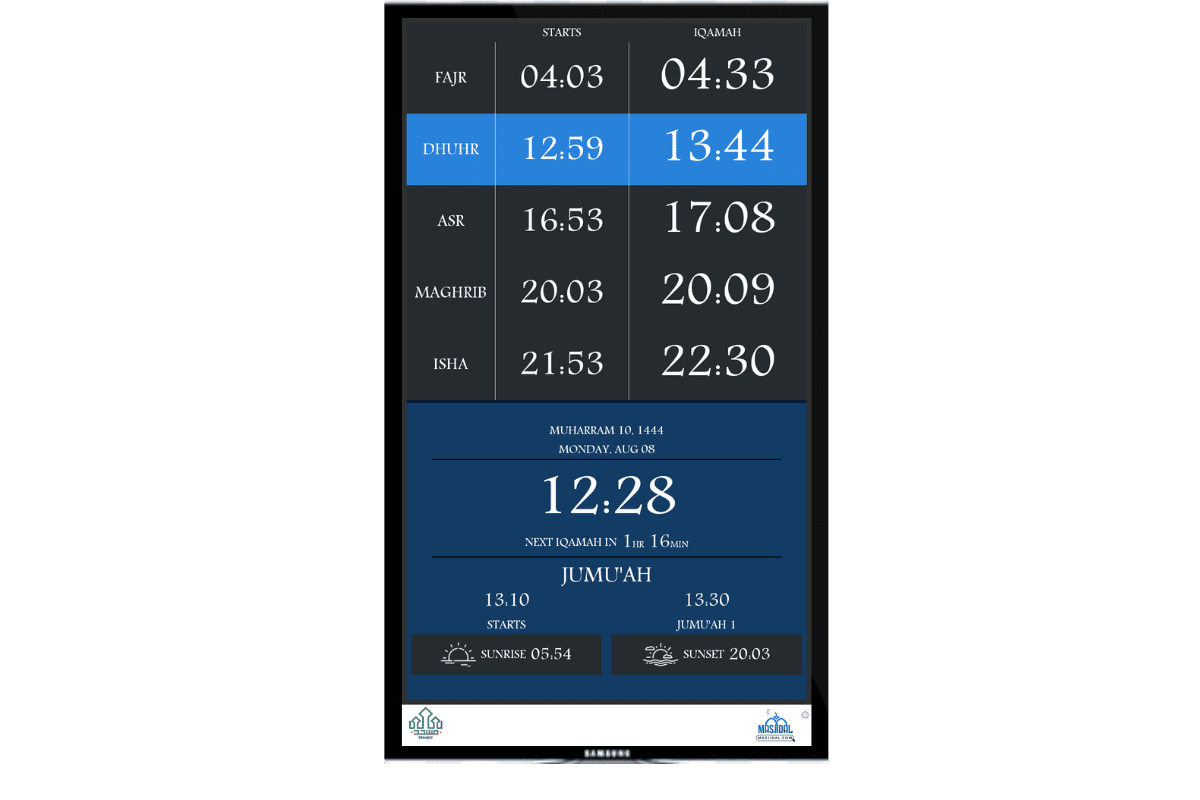
Portrait – Custom Color (subscription required)
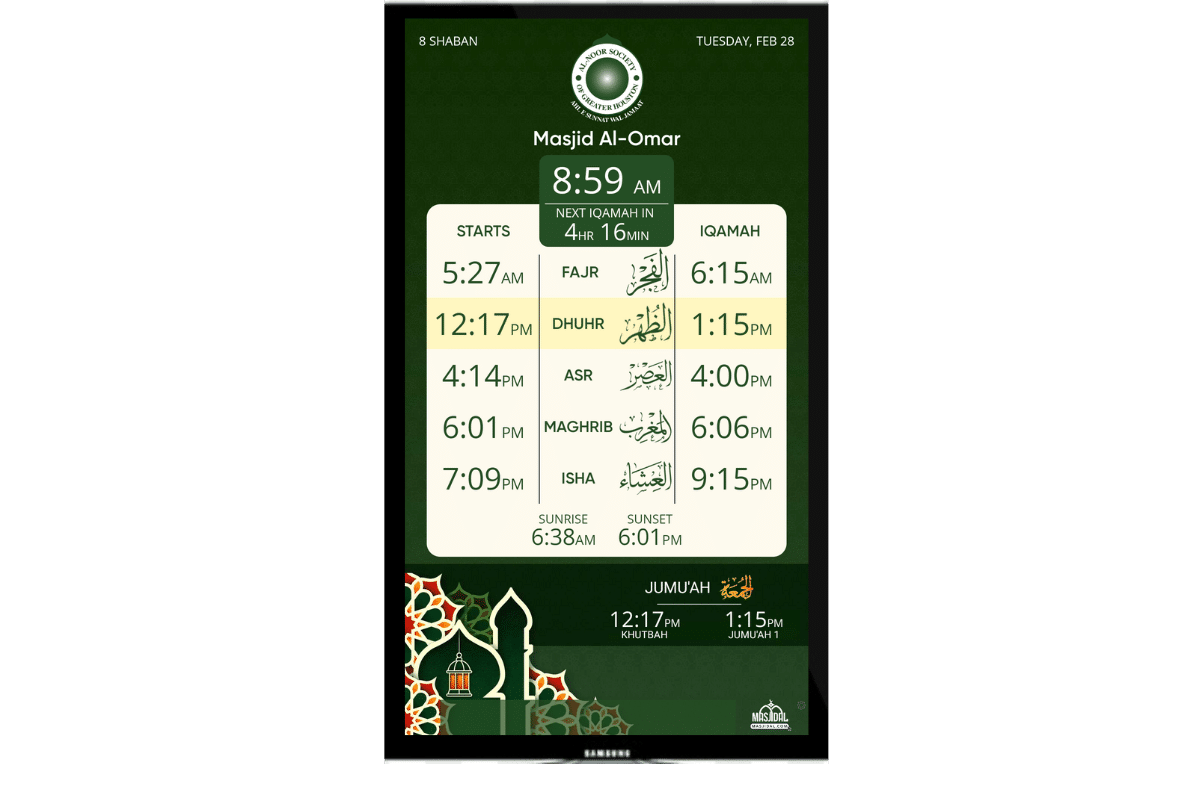
Portrait – Green (subscription required)
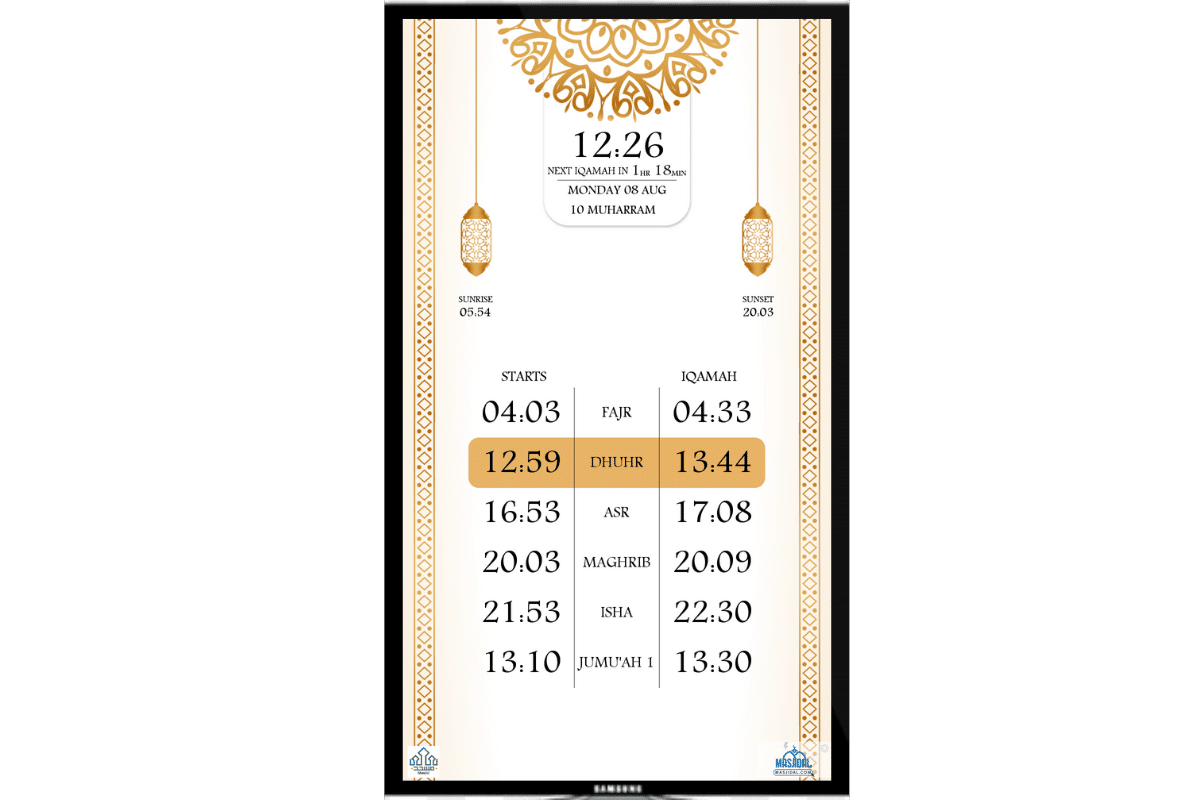
Portrait – Beige (subscription required)
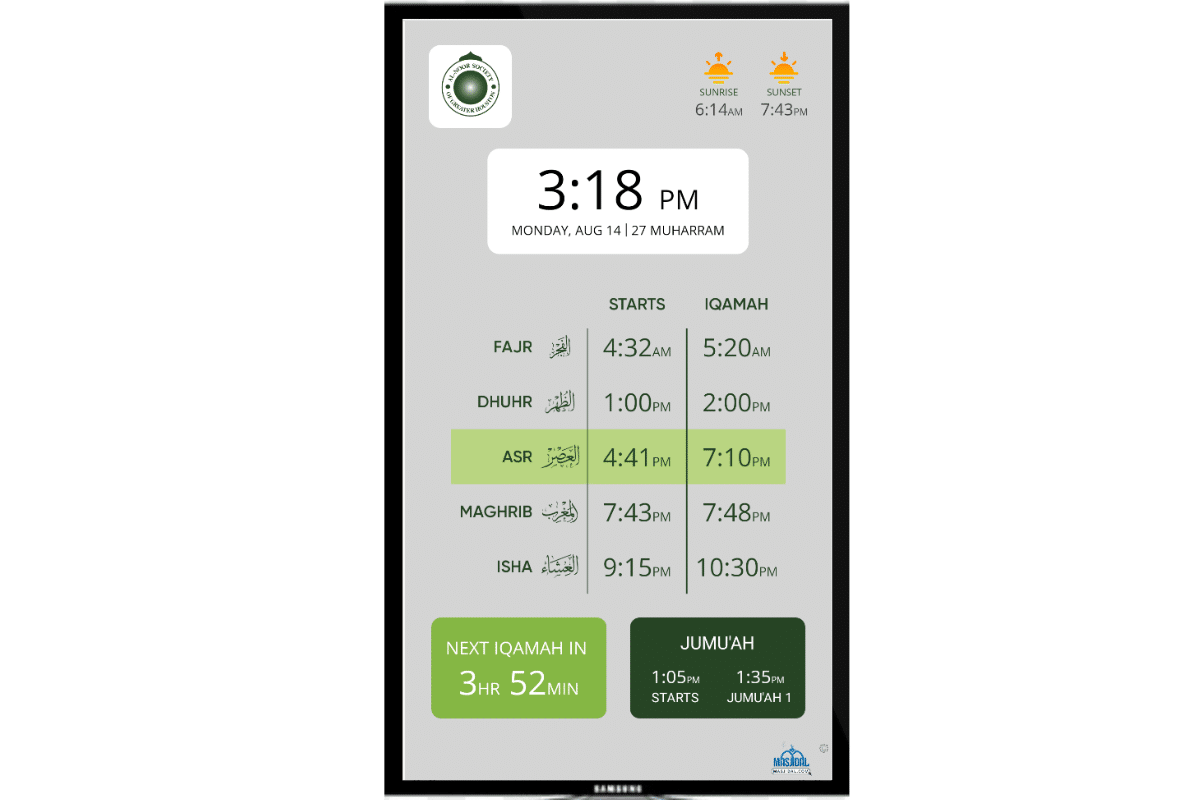
Portrait – Gray (subscription required)
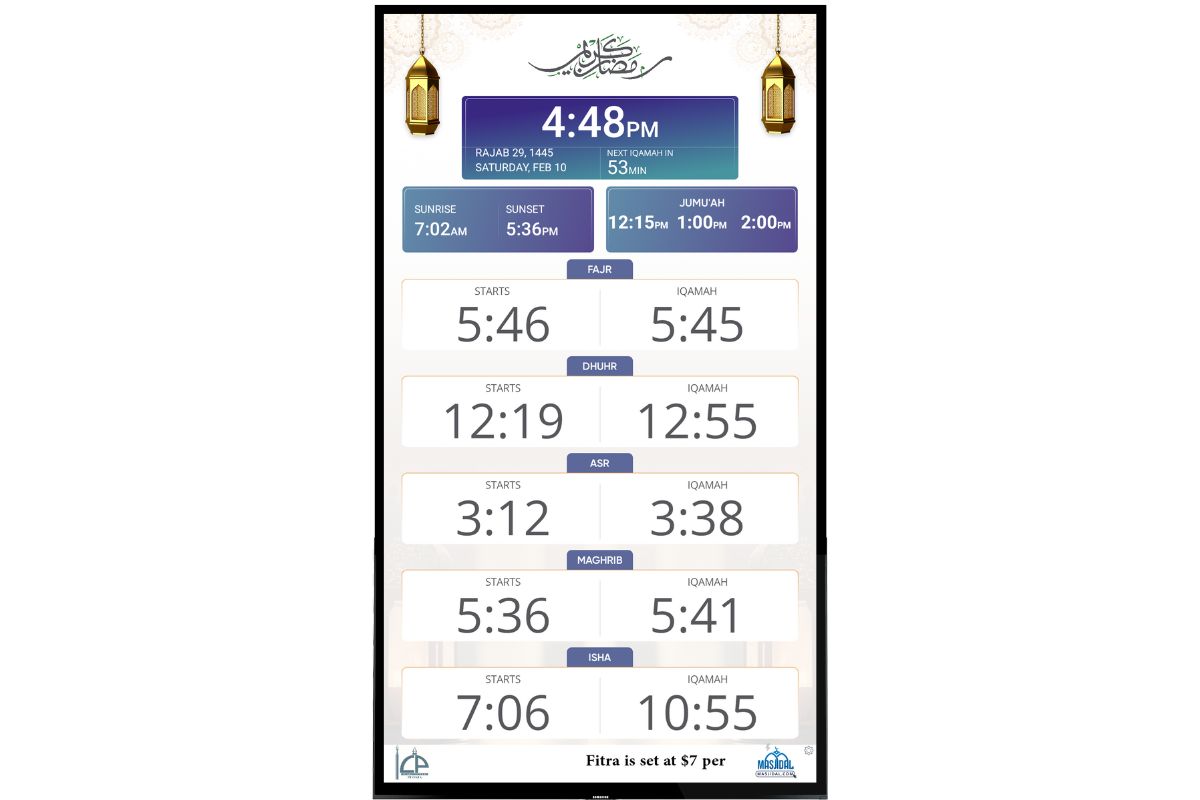
Portrait – Ramadan 2024 (Subscription Required)
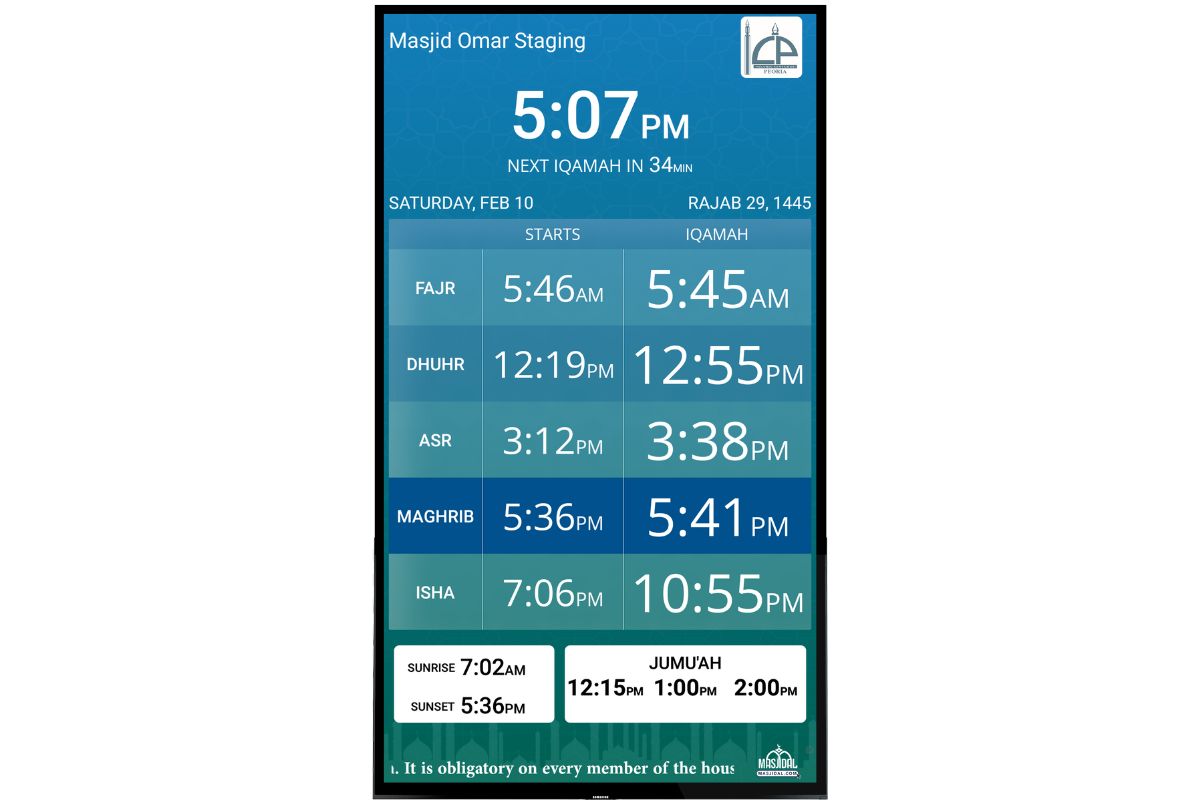
Portrait – Greenish (Subscription Required)
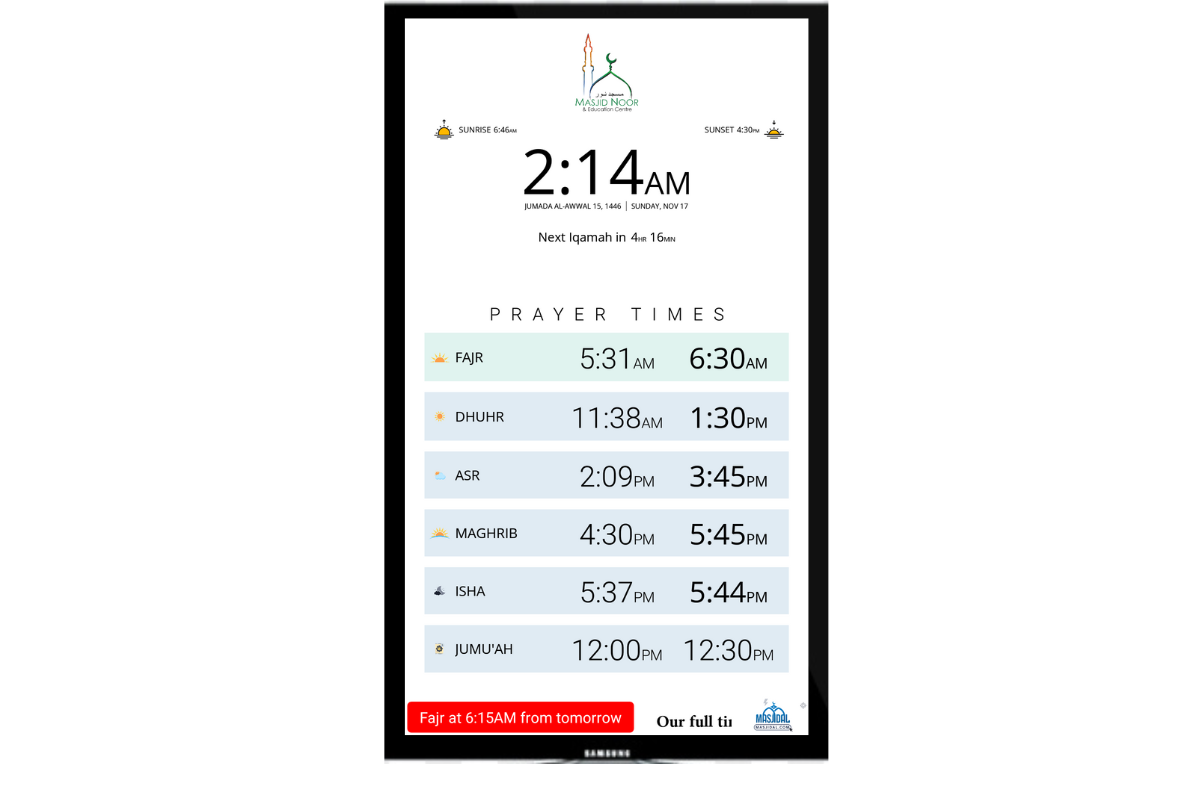
Portrait – White (subscription required)
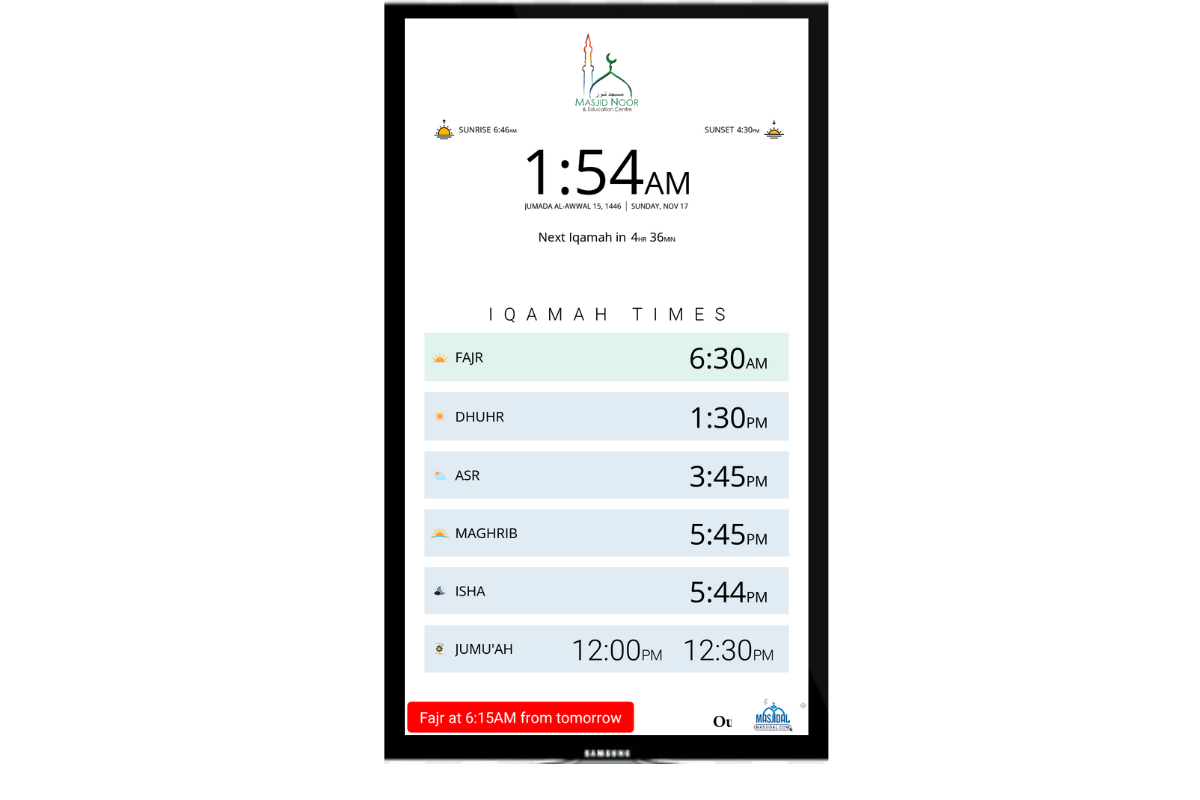
Portrait – White Iqamah Only (subscription required)
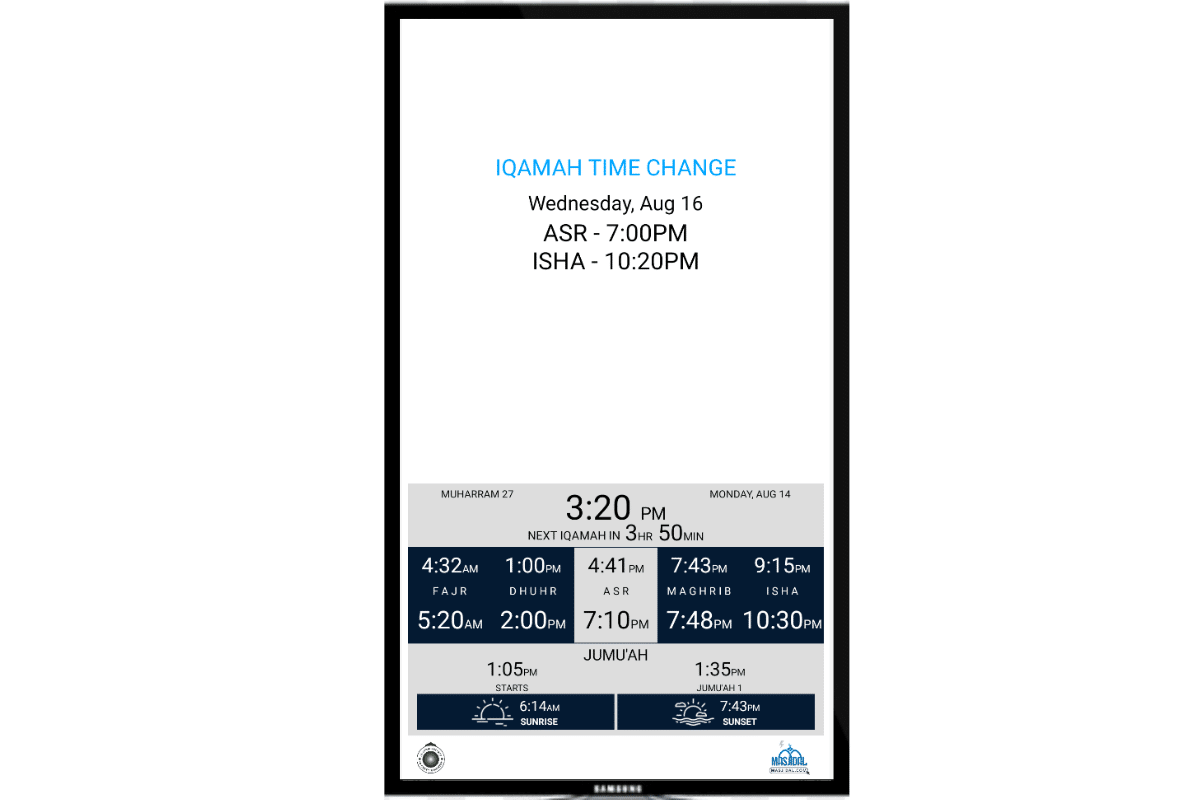
Portrait – Split Custom Color (subscription required)
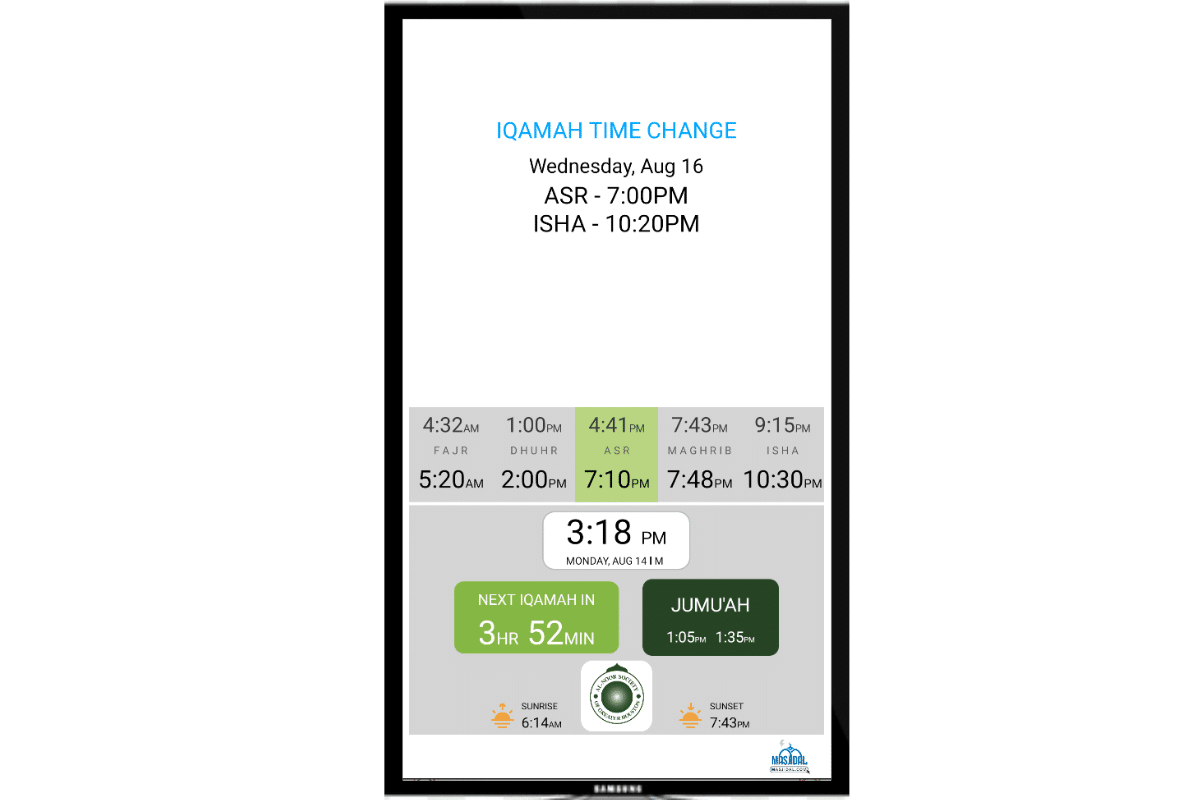
Portrait – Split Gray (subscription required)
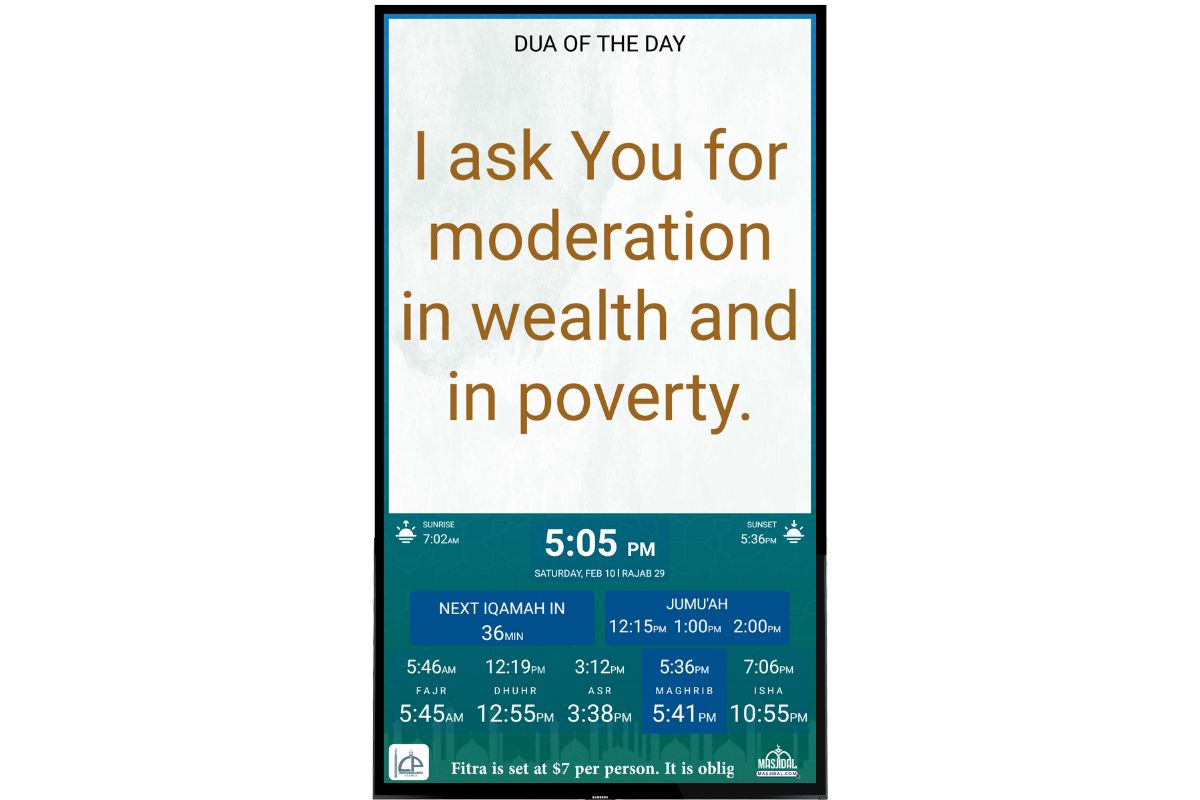
Portrait – Split Greenish (Subscription Required)
Update the Al-Iqamah app to use the new timing screens.
Split screen is not a theme that can be set up. Split is automatically displayed based on the content. When adding a slide, you can check the “Split” screen checkbox to display it in split screen.
Setting the custom color is a premium feature available to Al-Iqamah Professional accounts.
Athan timings are only supported on the Gray screen.
How to set custom colors?
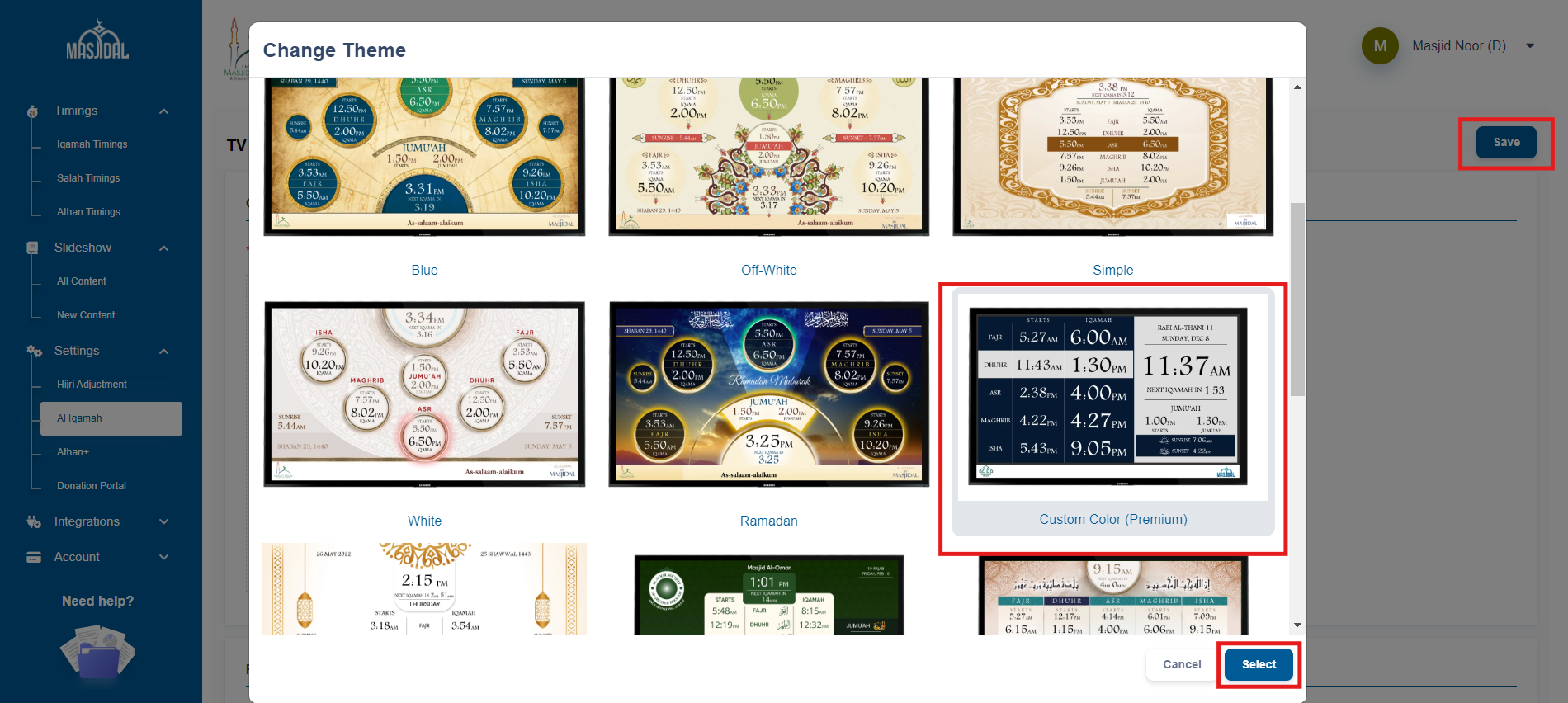
Select the Custom Color theme as shown below:
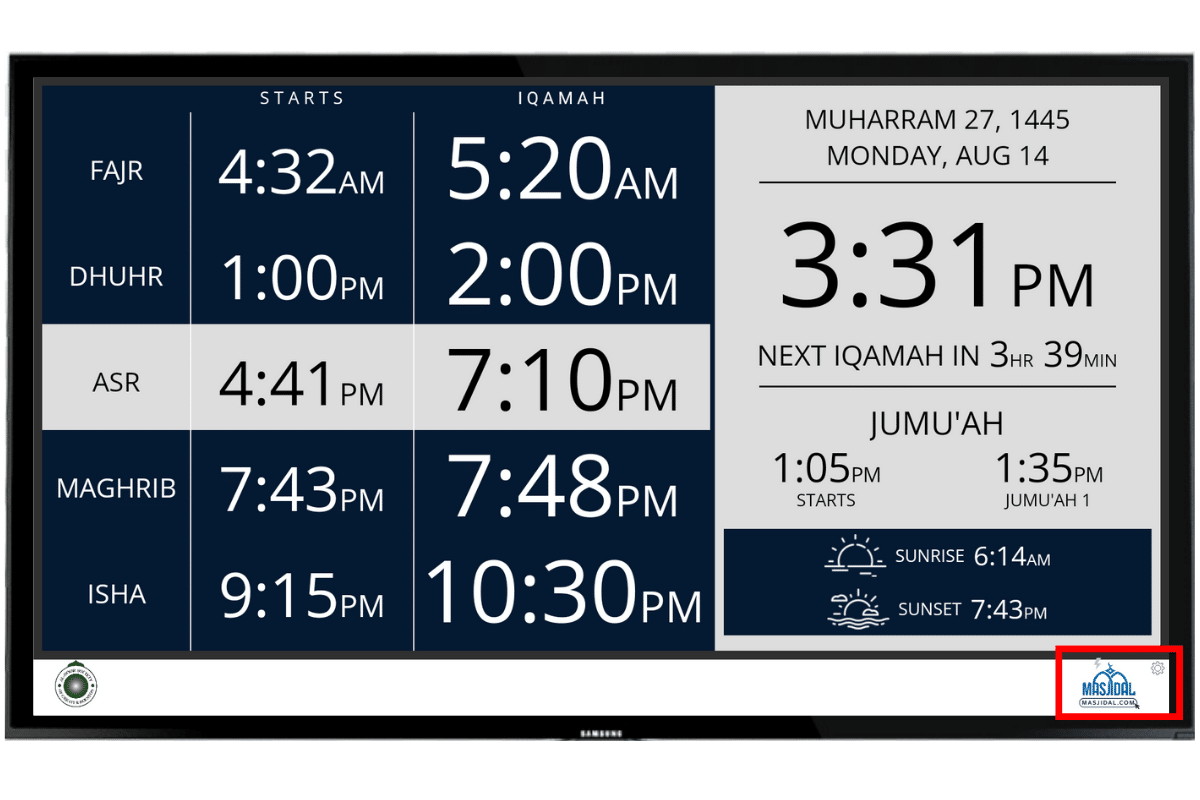
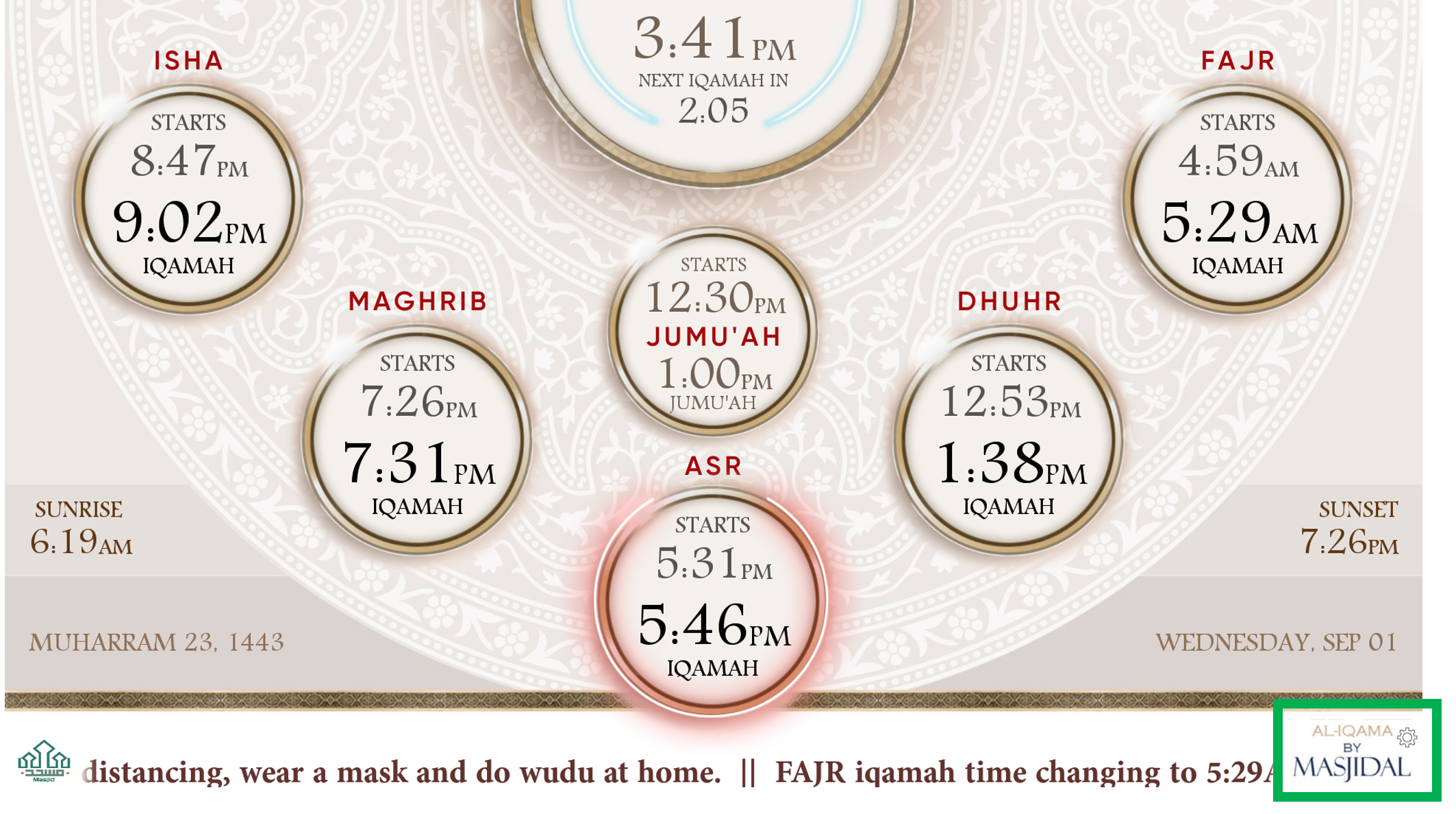
On the app, click on the Masjidal logo on the bottom right to access the setting screen:
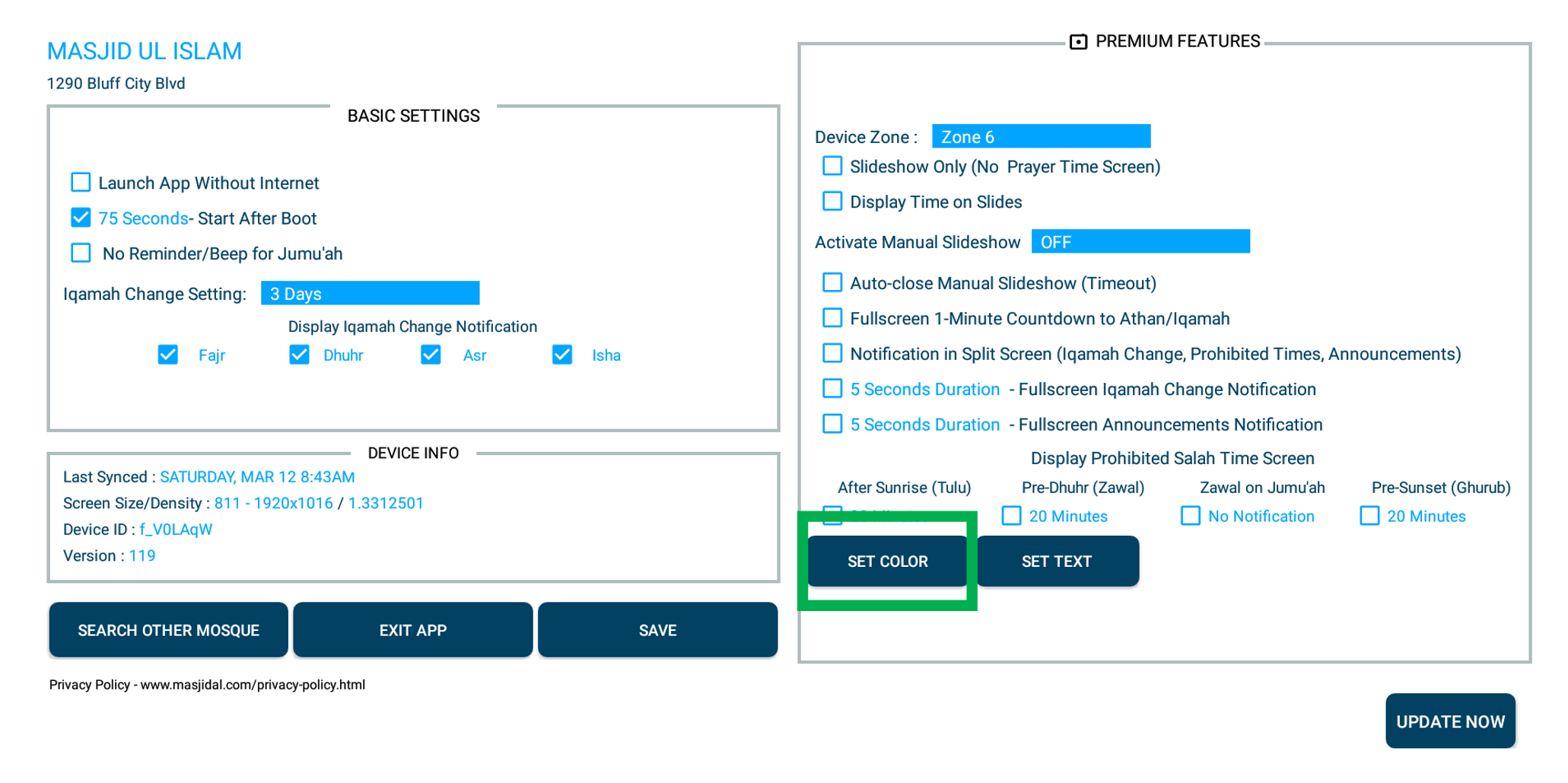
Click the Set Color button:
Select the color or paste the hex code for each color and then click save. You can also try the presets on the right. Click SAVE after setting the colors.
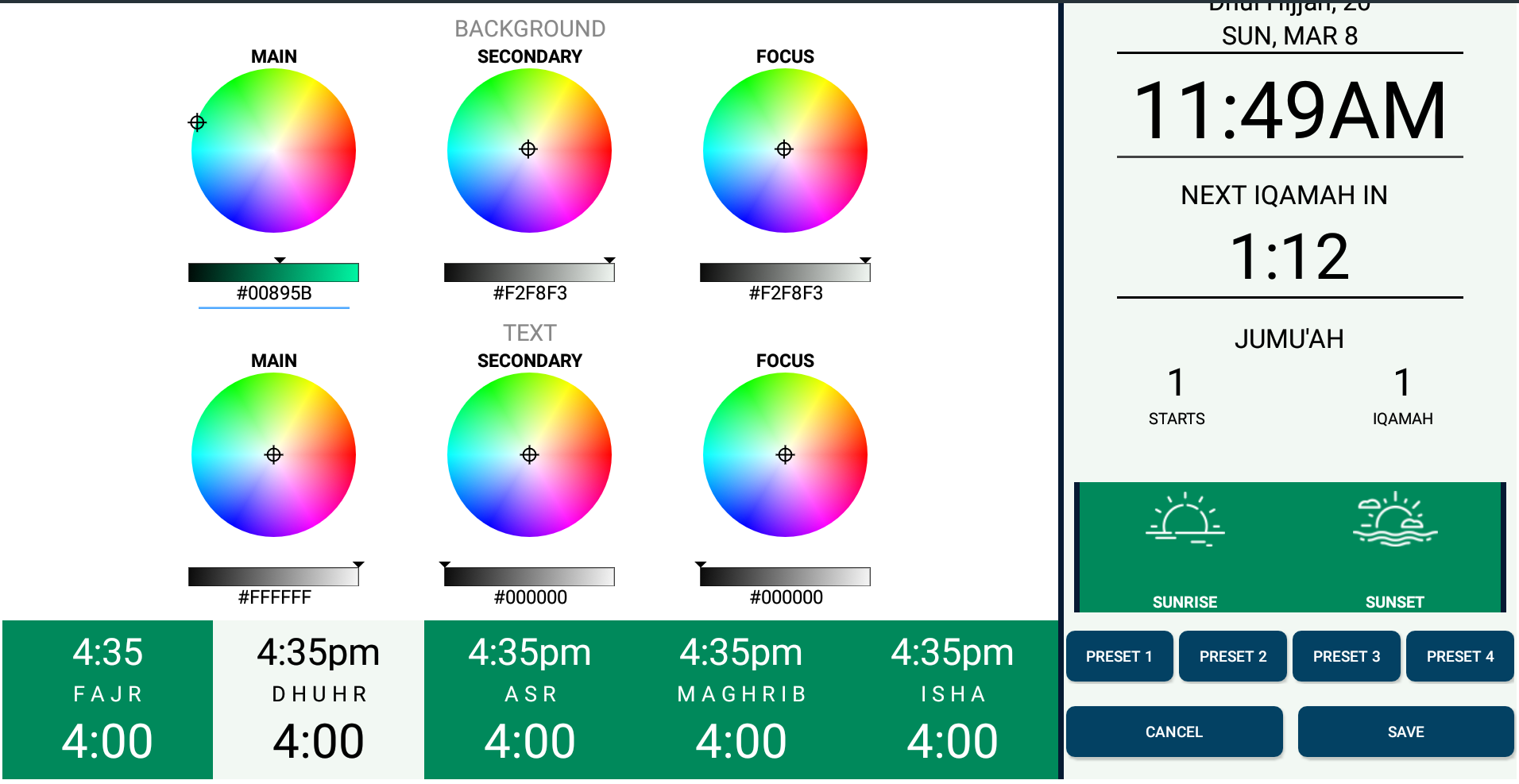
The same color scheme will be used for both of these screens.
How to use portrait themes?
On the app, click on the Masjidal logo on the bottom right to access the setting screen:
Click the dropdown for Orientation and select the desired theme:
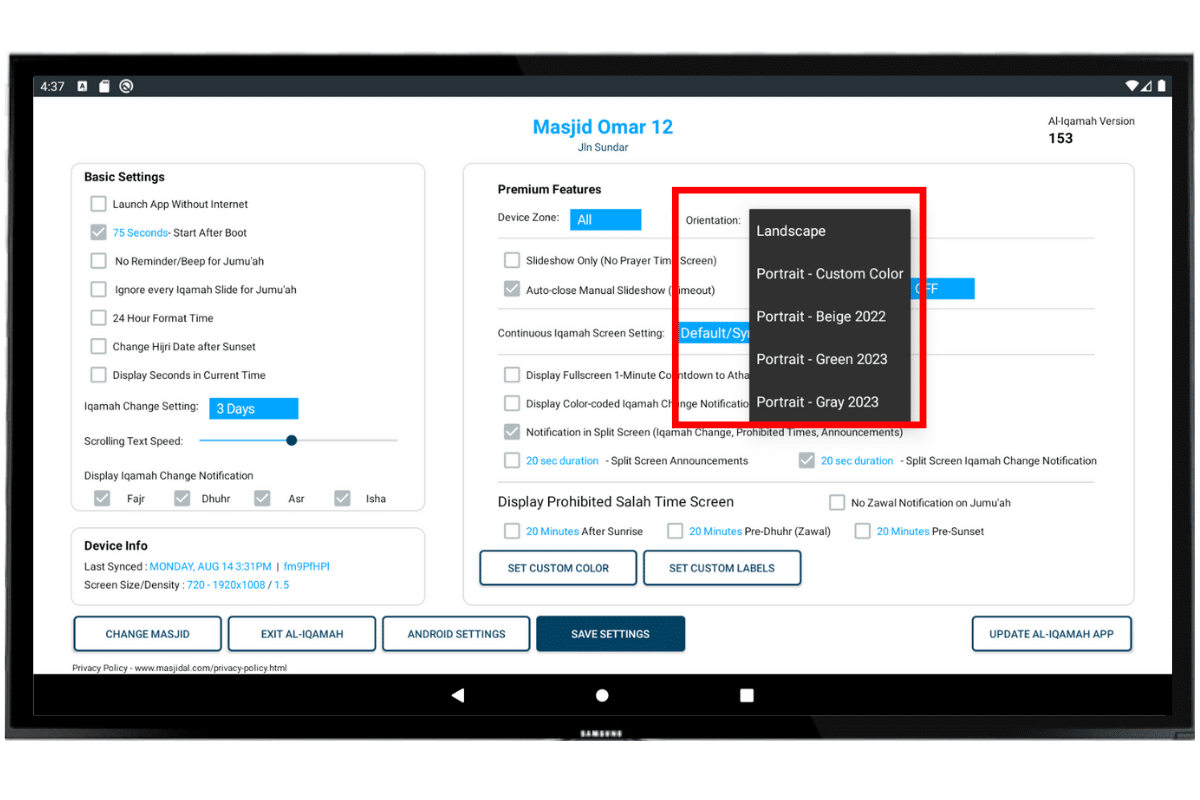
Click SAVE SETTINGS to save the changes.